1
11 Programming Devices and Communications
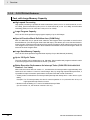
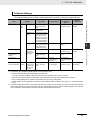
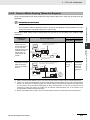
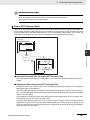
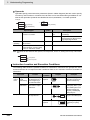
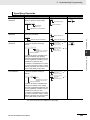
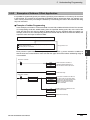
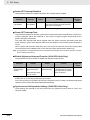
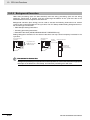
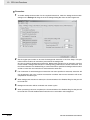
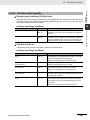
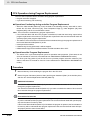
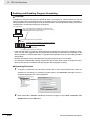
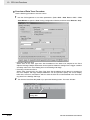
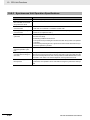
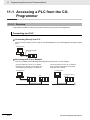
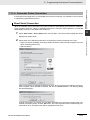
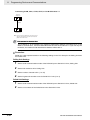
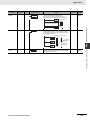
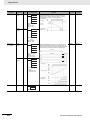
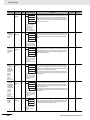
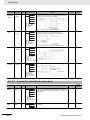
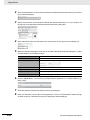
For the connecting PLC, select the method for setting the IP address of the target PLC.
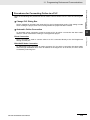
• IP Address
Directly input the IP address of the target PLC.
• Browse
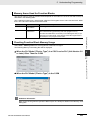
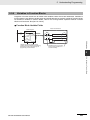
Search for the PLCs that are connected online to the network, and select the target PLC. Use
this method when the IP address of the target PLC is not known.
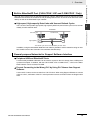
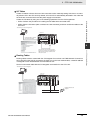
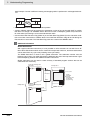
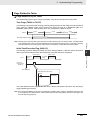
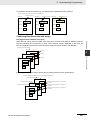
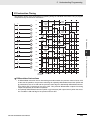
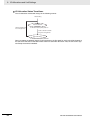
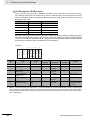
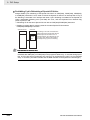
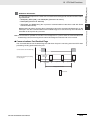
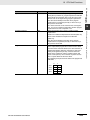
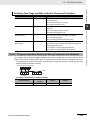
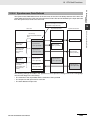
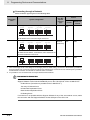
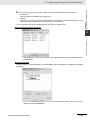
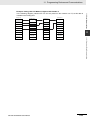
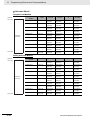
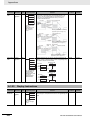
The connected nodes can be displayed either as a list or by network layer.
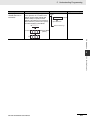
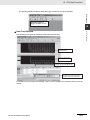
Node List (Displayed for Browse)
11-1 Accessing a PLC from the CXProgrammer
4
11
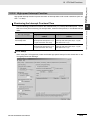
11-1-4 Automatic Online Connection
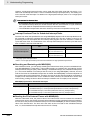
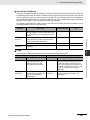
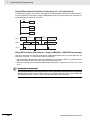
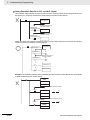
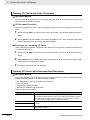
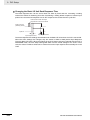
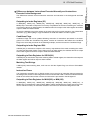
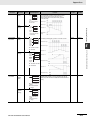
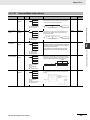
• The IP address, device type, and name will be displayed. Select the IP address and click
the OK Button.
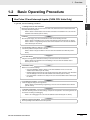
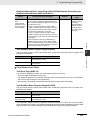
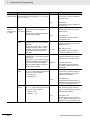
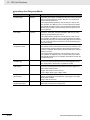
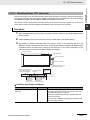
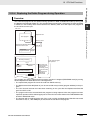
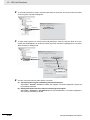
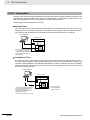
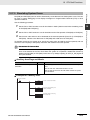
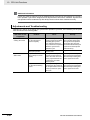
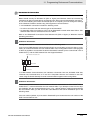
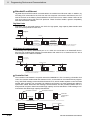
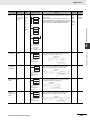
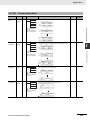
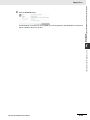
Search in Advance
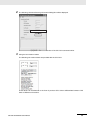
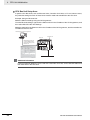
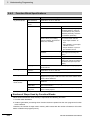
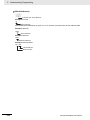
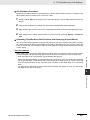
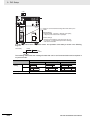
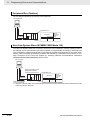
Click the Search in advance Button in the EtherNet/IP node list Dialog Box to display the following
dialog box.
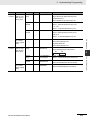
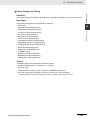
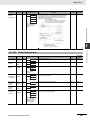
• Click a plus (+) icon to display all the levels under that item. Select the PLC to be connected, and click the OK Button.
CJ2 CPU Unit Software User’s Manual
11-13