1
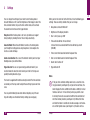
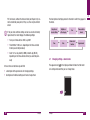
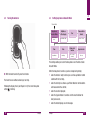
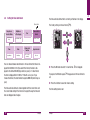
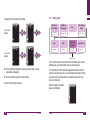
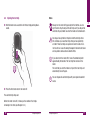
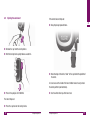
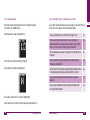
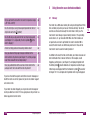
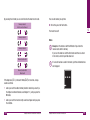
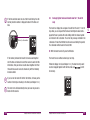
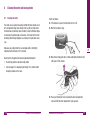
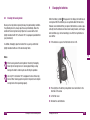
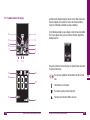
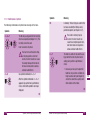
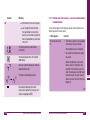
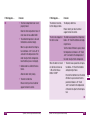
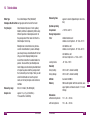
PC, for instance, without the time and date (see Chapter 5.4) cannot be statistically analyzed or, if they can, then only to a limited extent. i The descriptions of settings proceed in the order in which they appear in the meter. If the year, date and time settings are lost as a result of a battery replacement, the meter displays the following settings: Beep tone or Acoustic Mode Brightness of the display Year Time-and-date format Time Date Alarm clock function Hypo indicator Year: year of manufacture 20XX, e.g. 2007 Time: 0:00 or 12:00 a.m., depending on the time-and-date format you selected previously Date: 1-01 as day-month (D-MM) or month-day (M-DD), depending on the time-and-date format you selected previously 3.1 Changing settings – General rules The appearance of in the display window indicates that the meter is in settings mode and that you can change these. In the sections set out below you will find a description of the general rules for changing settings, descriptions of individual settings and how to change them. 40 Settings Settings 41 3