1
Answered Call
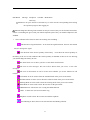
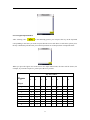
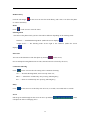
The function allows you to see the list of 10 phone numbers which have been answered recently. It
can see the detailed information by using ‘Answered Call’ function, including the name, number,
date and call time of every answered call. Click and press ‘Option’ or press ‘Confirm Key’ in the
interface of detailed information, and it can perform the following functions:
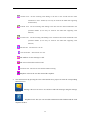
—Store: Can save the number into SIM Card or phone directly.
—Delete: Can delete the record;
—Dial: Can call the number directly.
—IP Dial: Use the pre-set IP dialing.
—Send SMS: Can send SMS to the number directly.
—Clear Name List: Delete all records.
Call Time
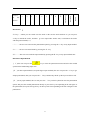
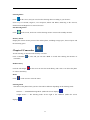
It can see your recent call time, accumulative total call time by using this function (display in the
format of Hour, Minute and Second). Clicking and pressing ‘Zero’ or pressing ‘Confirm Key’ can
clear the recent call and accumulative total call time to Zero, and all records will start with 00:00:00.
Note The real call and service time in the bill of the service supplier may be vary from it, which
depending on the factors of network function, removing zero and taking integer and tax revenue etc.
Chapter 10 Recorder
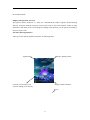
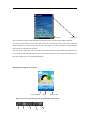
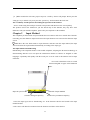
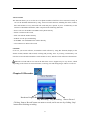
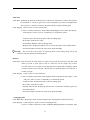
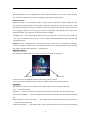
Broadcast Progress Bar
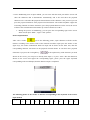
Play Recording Stop Recording Start to Record
Clicking ‘Start to Record’ button can start to record, and it can save by clicking ‘Stop’
button after finishing recording.
57