1
Icons
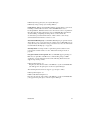
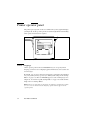
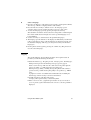
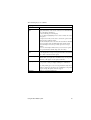
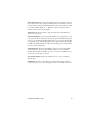
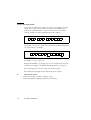
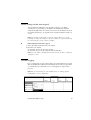
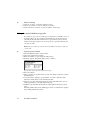
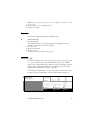
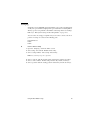
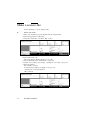
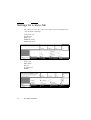
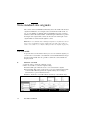
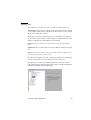
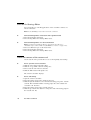
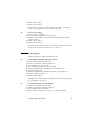
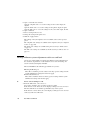
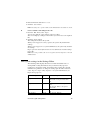
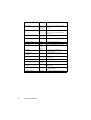
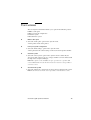
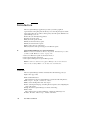
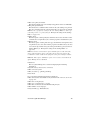
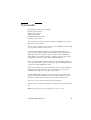
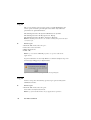
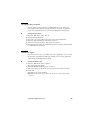
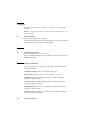
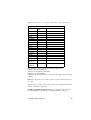
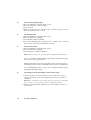
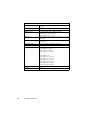
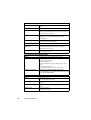
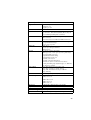
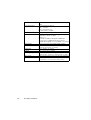
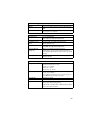
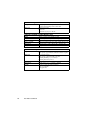
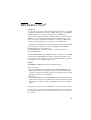
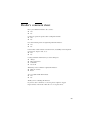
The Océ TDS800 Queue Manager uses a number of icons to display
information about a job in the queue. The following icons are used:
[71] Receiving the job
[72] Received the job
[73] Processing / processed the job
[74] The job in progress
[75] Printing the job
[76] Delivering the job
[77] The delivered job
[78] The deleted job
[79] A job that requires manual feed
[80] The job is placed on hold by the user or the system.
[81] Attention, needs operator attention (e.g. a media request).
152
Océ TDS800 User Manual