1
Security
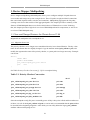
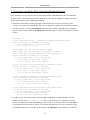
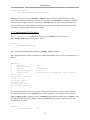
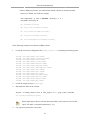
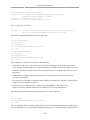
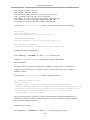
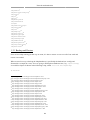
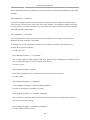
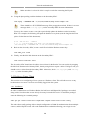
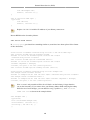
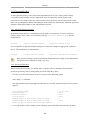
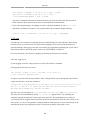
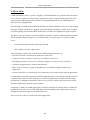
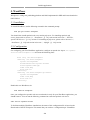
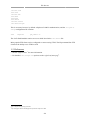
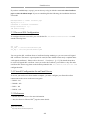
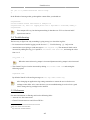
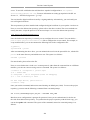
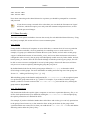
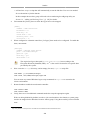
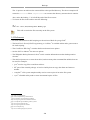
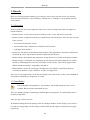
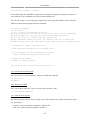
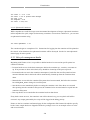
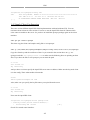
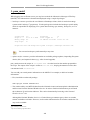
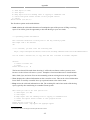
sudo aa-enforce /etc/apparmor.d/*
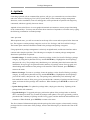
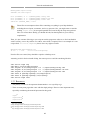
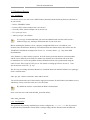
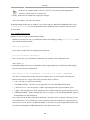
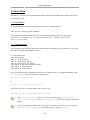
• apparmor_parser is used to load a profile into the kernel. It can also be used to reload a currently
loaded profile using the -r option. To load a profile:
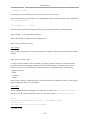
cat /etc/apparmor.d/profile.name | sudo apparmor_parser -a
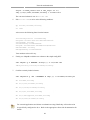
To reload a profile:
cat /etc/apparmor.d/profile.name | sudo apparmor_parser -r
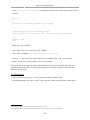
• service apparmor can be used to reload all profiles:
sudo service apparmor reload
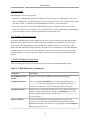
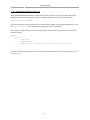
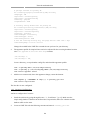
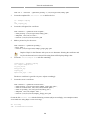
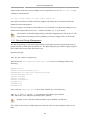
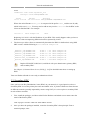
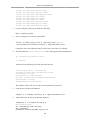
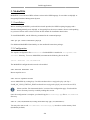
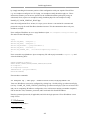
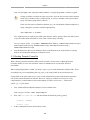
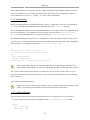
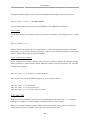
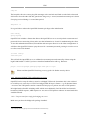
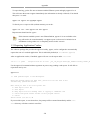
• The /etc/apparmor.d/disable directory can be used along with the apparmor_parser -R option to
disable a profile.
sudo ln -s /etc/apparmor.d/profile.name /etc/apparmor.d/disable/
sudo apparmor_parser -R /etc/apparmor.d/profile.name
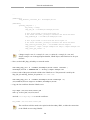
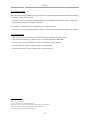
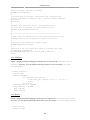
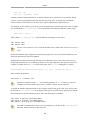
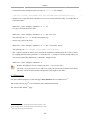
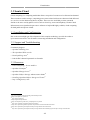
To re-enable a disabled profile remove the symbolic link to the profile in /etc/apparmor.d/
disable/. Then load the profile using the -a option.
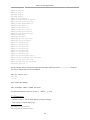
sudo rm /etc/apparmor.d/disable/profile.name
cat /etc/apparmor.d/profile.name | sudo apparmor_parser -a
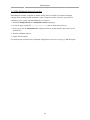
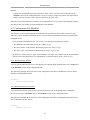
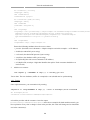
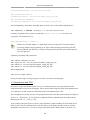
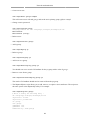
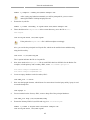
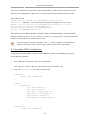
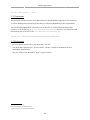
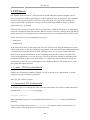
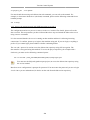
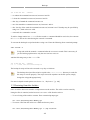
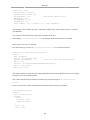
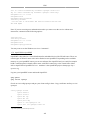
• AppArmor can be disabled, and the kernel module unloaded by entering the following:
sudo service apparmor stop
sudo update-rc.d -f apparmor remove
• To re-enable AppArmor enter:
sudo service apparmor start
sudo update-rc.d apparmor defaults
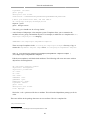
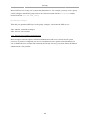
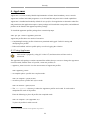
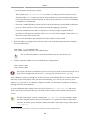
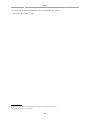
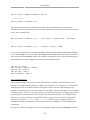
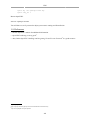
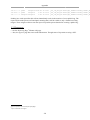
Replace profile.name with the name of the profile you want to manipulate. Also, replace /
path/to/bin/ with the actual executable file path. For example for the ping command use /
bin/ping
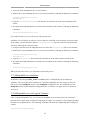
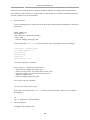
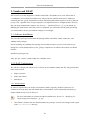
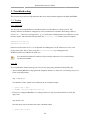
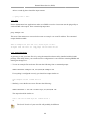
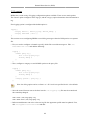
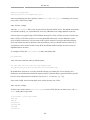
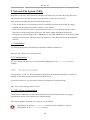
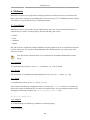
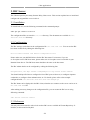
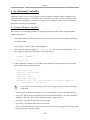
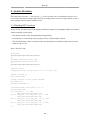
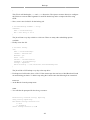
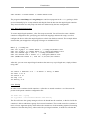
4.2. Profiles
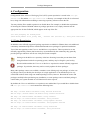
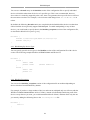
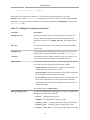
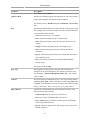
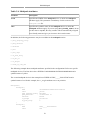
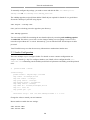
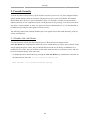
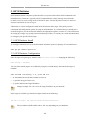
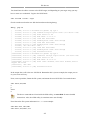
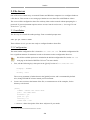
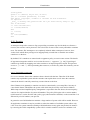
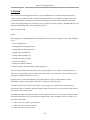
AppArmor profiles are simple text files located in /etc/apparmor.d/. The files are named after the
full path to the executable they profile replacing the "/" with ".". For example /etc/apparmor.d/
bin.ping is the AppArmor profile for the /bin/ping command.
172