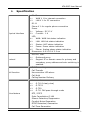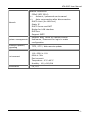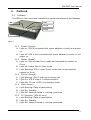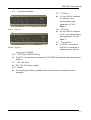
1
ATA-S/SP User Manual
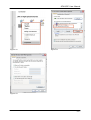
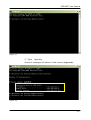
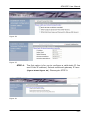
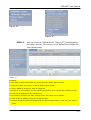
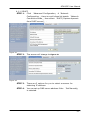
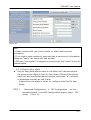
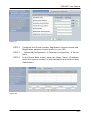
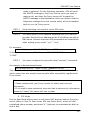
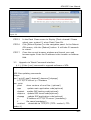
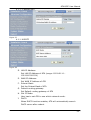
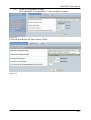
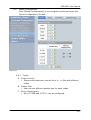
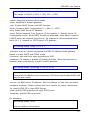
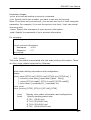
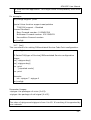
STEP 3.
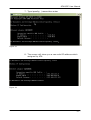
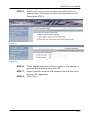
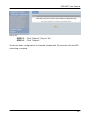
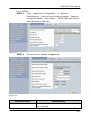
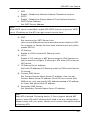
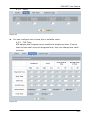
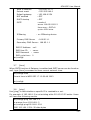
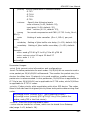
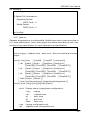
STEP 4.
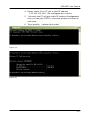
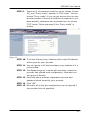
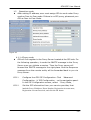
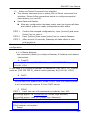
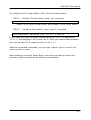
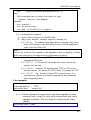
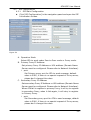
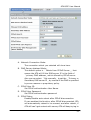
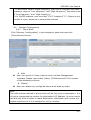
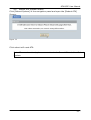
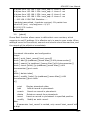
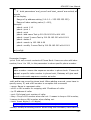
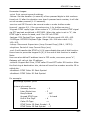
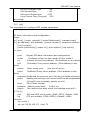
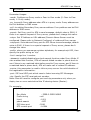
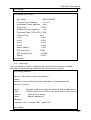
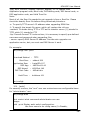
When Gateway connection succeed. Setup PC use LAN IP
connection Network
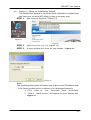
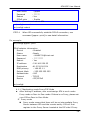
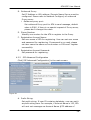
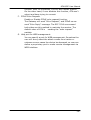
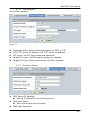
Select [Specify an IP Address] and enter [192.168.123.xxx] in
the [IP Address] location (where xxx is a number between 2
and 254 used by the VoIP Gateway to identify each computer),
and the default [Subnet Mask 255.255.255.0]. Please notice
that two computers on the same LAN cannot have the same IP
address. Set Default Gateway value as 192.168.123.123 in
the [new gateway] field. Then save your change. PC can also
use DHCP mode when DHCP server of ATA is enabled.
- 39 -