1
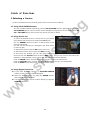
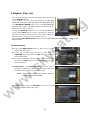
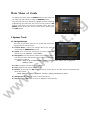
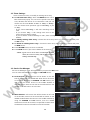
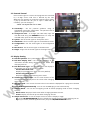
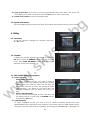
z Press the EPG button, then the EPG menu will be displayed.
z Use the ARROW buttons to move to other services or to see previous/next guide.
z Press the EPG button once to view full EPG with multi service list, and press it twice to view the
t.b
g
additional EPG information of a specific channel service. Keep pressing the EPG button to toggle
between the full and detailed menus of EPG.
z Press the GREEN button to view next day EPG and the RED button to view EPG for a previous
day.
z Select the program by using the ARROW buttons then set the event timer by pressing OK.
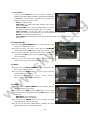
z You can schedule a recording with the EPG menu as follows.
- Press RECORD button to schedule the event. This schedule can be checked in the menu of
Timer Settings, in the System tool menu.
- To cancel the schedule of the recording, press the OK button for the appointed event.
- To edit the schedule of the recording, press the RECORD button for the appointed event.
5. Favorite Group
ky
sa
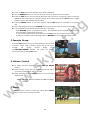
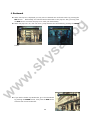
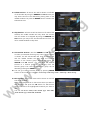
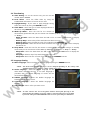
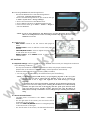
Press the FAV(Favorite) button to view all favorite groups such
as sports, movie, drama, satellite group and so on. Scroll
through
the
various
favorite
group
using
the UP/DOWN ARROW buttons, and select the desired
favorite group by pressing OK button.
6. Volume Control
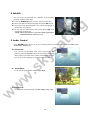
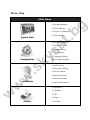
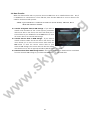
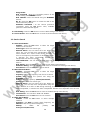
z To adjust the audio volume, press the VOL UP/ DOWN
w
.s
buttons.
z Audio volume control bar will be displayed at the top of
the screen and disappear after 4 seconds.
z When necessary, press the MUTE button to turn on/off the
audio sound.
w
w
NOTE : The mute function remains set while you change
services.
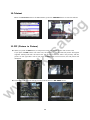
7. Pause
PAUSE button is used to freeze the video. Press PAUSE
button once more to resume the video.
24