1
5. Using On-Screen Menu
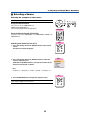
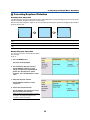
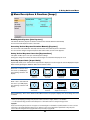
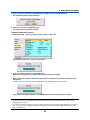
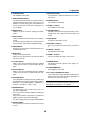
Selecting Menu Language [Language]
You can choose one of 21 languages for on-screen instructions.
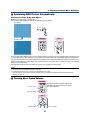
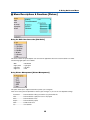
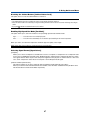
Selecting Menu Color [Menu Color Select]
You can choose between two color modes for menu color: color and monochrome.
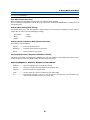
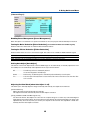
Selecting Menu Display Time [Menu Display Time]
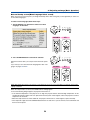
This option allows you to select how long the projector waits after the last touch of a button to turn off the menu.
The preset choices are “Manual”, “Auto 5 sec”, “Auto 15 sec”, and “Auto 45 sec”. The “Auto 45 sec” is the factory
preset.
Selecting a Color or Logo for Background [Background]
Use this feature to display a black/ blue screen or logo when no signal is available.
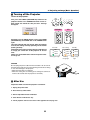
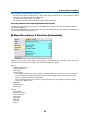
Selecting Projector Orientation [Orientation]
This sets your image for your type of projection. The options are:
desktop front projection, ceiling rear projection, desktop rear projection, and ceiling front projection.
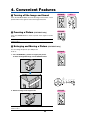
Enabling Key Sound and Error Sound [Beep]
This feature turns on or off the keypad sound or alarm when a button on the cabinet and the remote control is pressed
or an error occurs.
44