1
Security
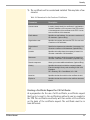
Protecting the web access via a password
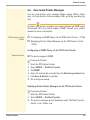
You can use a password to protect the TPR Control Center against
unauthorized web access. If a password is set, only the start page of
the TPR Control Center can be visited and displayed. If you select a
menu item, you will be asked to enter a password.
You will also be asked to enter a non-definable user name. Leave
this field blank at the password prompt.
1.
2.
3.
4.
5.
ª
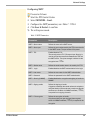
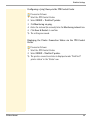
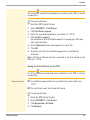
Proceed as follows:
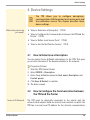
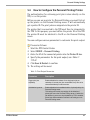
Start the TPR Control Center.
Select SECURITY - Device access.
In the web area, enter a password into the Password box.
Repeat the password.
Click Save & Restart to confirm.
The setting will be saved.
7.3
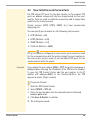
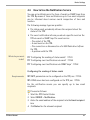
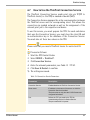
How to Block Individual Ports
The TPR cannot be attacked directly by viruses. Attacks to open ports
can have a certain influence on the TPR and affect its functions.
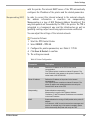
In order to prevent attacks to open ports, you can block individual
ports on the TPR. You can configure, for example, short-term
blockings for current security problems (worms, etc.) or long-term
blockings of common ports for malware attacks.
Services (e.g. printing via IPP/port 632) can also be blocked by
blocking their ports.
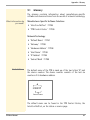
Local service ports (Ö40) cannot be blocked.
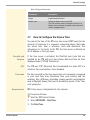
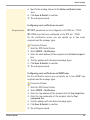
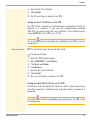
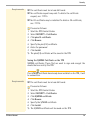
Proceed as follows:
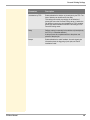
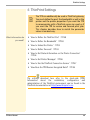
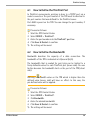
1. Select SECURITY – Port blocking.
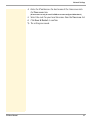
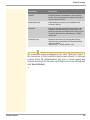
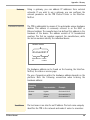
2. Enter the port number of the port to be blocked into the Port
box.
TPR User Manual
64