1
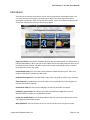
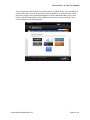
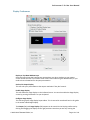
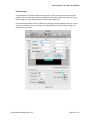
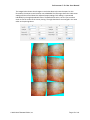
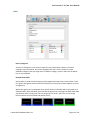
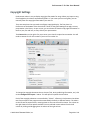
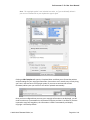
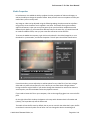
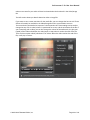
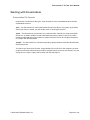
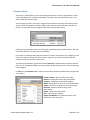
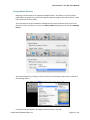
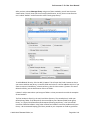
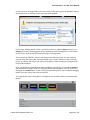
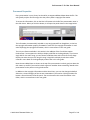
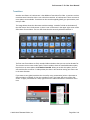
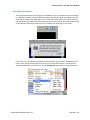
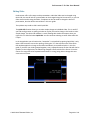
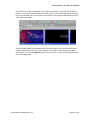
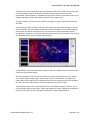
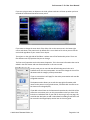
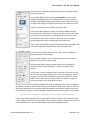
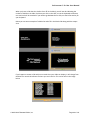
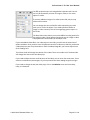
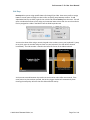
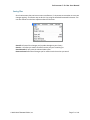
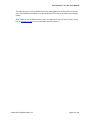
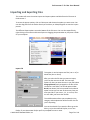
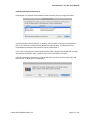
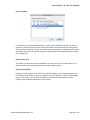
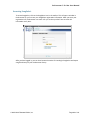
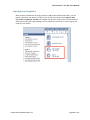
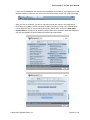
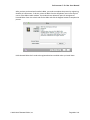
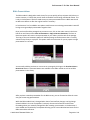
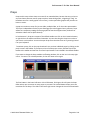
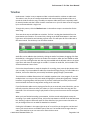
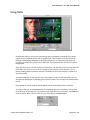
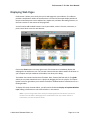
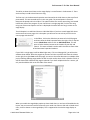
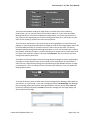
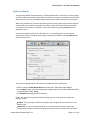
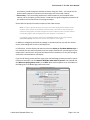
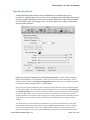
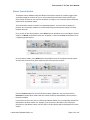
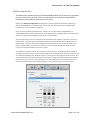
ProPresenter 5 for Mac User Manual Bible PresentaUons The Bible module is designed to make it easy for you to quickly pull up scripture with liGle or no noLce. However, it’s likely that you will know all the Bible verses being used ahead of Lme. This is why in ProPresenter 5 we have made it easy to create presentaLons from a Bible search and to add verses before or ader the original search if necessary. In ProPresenter 5 we’ve added a new opLon to add verses to an exisLng presentaLon instead of having to merge mulLple presentaLons together later. Once you have found the passage that you want to use, click on the acLon menu in the lower-‐ led corner and choose either Save as Document or Copy to Current Document. The Save as Document opLon will create a new presentaLon in your Library with the Ltle of the passage. The Copy to Current Document opLon will add the passage to the document that is currently selected in the library or a playlist. This opLon makes it much easier for you to prepare a single presentaLon for a sermon. You can easily add the previous or next verse to a passage by clicking on the Previous Verse or Next Verse buGons. These two buGons are available in the Bible module as well as on Bible presentaLons in the Library. Ader you have created a presentaLon for the Bible verses, you can format the slides the same way you format song presentaLons. While the Bible module hasn’t changed other than a few interface changes, one big change related to Bibles is the use of templates. Previously the text and reference had the same formaong unless you manually changed this ader creaLng a presentaLon. In ProPresenter 5 we’ve added new funcLonality to templates allowing you to create individual text boxes for the Bible text and the reference. © 2005-2012 Renewed Vision, Inc. ! Page 90 of 131