1
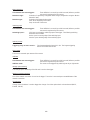
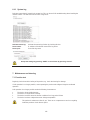
Action
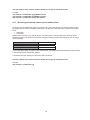
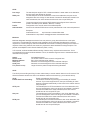
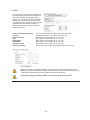
Define the file size for a video file here (1–50 MB).
Choose between an SD card and a network drive as the target server. It is necessary that
an SD card or network drive be configured in the camera.
File size:
Event server:
Schedule
Always:
Schedule:
The event action is always executed without a time-based restriction.
Here a schedule that has already been configured can be selected for the event action.
Schedules are configured under the “Event / Schedule” item.
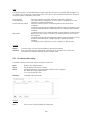
6.7 Switching input and switching output
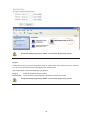
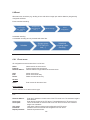
The settings for the switching output and switching input are defined here.
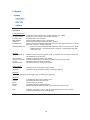
Port:
Normal:
Current status:
Switching input or output
Setting for the normal state of the port.
NO (normally open)
NC (normally closed)
Open Circuit = Open
Closed Circuit = Closed
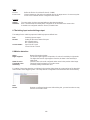
6.8 Motion detection
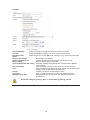
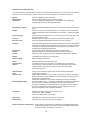
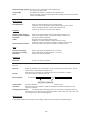
Name:
Night suppress:
Show all areas:
Threshold value:
Sensitivity:
Name of the motion window
The function night suppress will provide a 2nd value for sensitivity in night mode.
The higher the level for night suppress function, the lower is the sensitivity in
night mode.
Check this box to show all configured motion areas in the preview video image.
Threshold value for triggering of a motion event
Sensitivity setting of the motion area
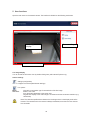
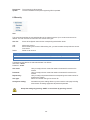
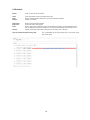
For setting of the motion detection, an indicator in the preview video shows the current values of the threshold
value and the current triggering value. This helps with the configuration of the threshold value and sensitivity.
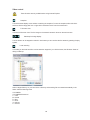
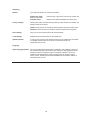
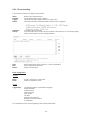
Add:
Delete:
Remove a configured motion area. Before doing this, you need to select an entry
from the list of motion areas.
110