1
PG-FP5 V2.13
PROGRAMMING GUI USAGE
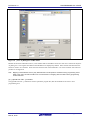
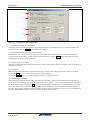
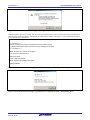
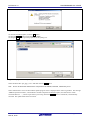
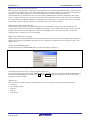
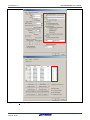
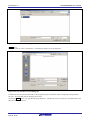
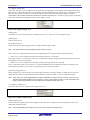
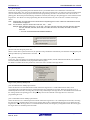
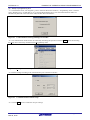
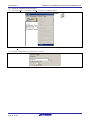
[Disable serial programmer after Program] option button
Select this button to use Disable Serial Programmer after Program mode. After the [Program] and [Autoprocedure(E.P.)]
commands are executed, the [Disable serial programmer] function of the target device is enabled. When this check box
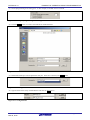
is selected, the following dialog box appears.
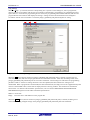
Figure 1.67 [Disable serial programmer after Program] Warning Dialog Box
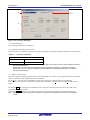
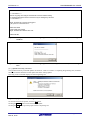
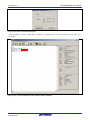
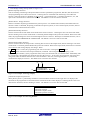
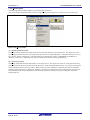
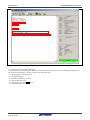
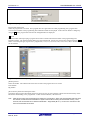
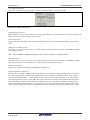
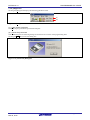
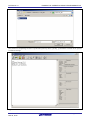
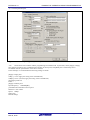
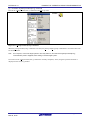
<7> [Command Protection] area
In this area, specify whether to enable command protection settings.
Figure 1.68 [Command Protection] area
[Set Command Protection after Program] check box
When a check mark is placed in this box, the [Set Security] command is automatically executed after the [Program] and
[Autoprocedure(E.P.)] commands are executed.
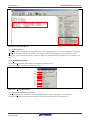
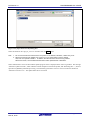
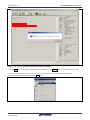
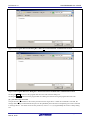
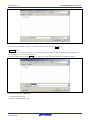
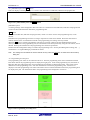
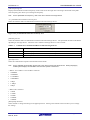
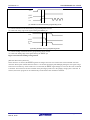
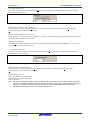
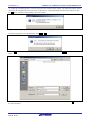
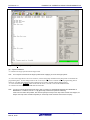
[Disable Block Erase] check box
If the [Set Security] command is executed with a check mark being placed in this box, the [Disable Block Erase]
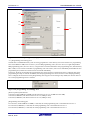
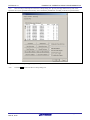
function of the target device is enabled. When checked, the following dialog box is displayed.
Figure 1.69 [Disable Block Erase] Warning Dialog Box
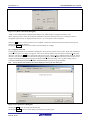
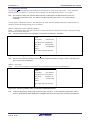
[Disable Program] check box
If the [Set Security] command is executed with a check mark being placed in this box, the [Disable Program] function
of the target device is enabled.
[Disable Read] check box
If the [Set Security] command is executed with a check mark being placed in this box, the [Disable Read] function of
the target device is enabled.
R20UT2924EJ0200 Rev.2.00
Mar 02, 2015
Page 48 of 71