1
PG-FP5 V2.13
TROUBLESHOOTING
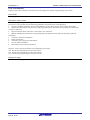
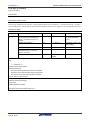
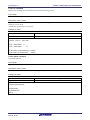
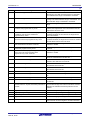
(2) The following messages are displayed in the action log window and the flash memory programming mode cannot
be entered.
ERROR(E012):Connection or synchronization failed
ERROR(E014):Connection or synchronization failed
[Cause 1]
The connection between the target system and FP5 may be incorrect.
[Action 1]
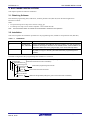
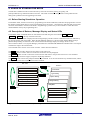
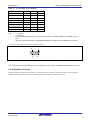
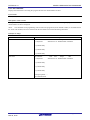
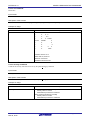
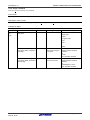
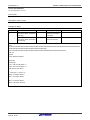
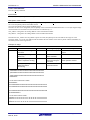
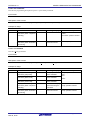
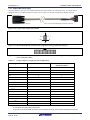
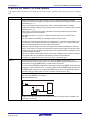
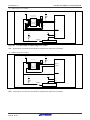
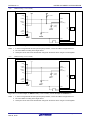
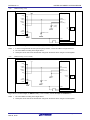
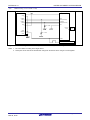
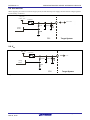
<1> For the 78K or V850, connect the SO/TxD and SI/RxD signals from the FP5 with TxD (SO) and RxD (SI) of the
target device so that signal input/output are consistent.
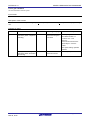
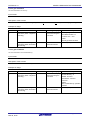
FP5
Target device
TxD(SO)
SO/TxD
RxD(SI)
SI/RxD
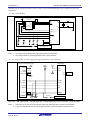
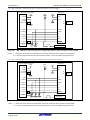
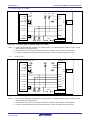
<2> The target interface must be isolated from other devices, using jumper switches or the like; otherwise, malfunction
may occur. Refer to 8 NOTES ON TARGET SYSTEM DESIGN, 9 SPECIFICATIONS OF TARGET INTERFACE
CIRCUITS or the user’s manual of the target device. Moreover, monitor the actual waveform to confirm that the signal
is not distorted and the signal level is correct.
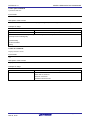
[Cause 2]
Connection of pins for other than for the target interface may be incorrect.
[Action 2]
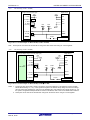
Refer to 8 NOTES ON TARGET SYSTEM DESIGN or the user’s manual of the target device.
[Cause 3]
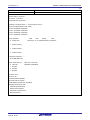
The PR5 file selected in the [Parameter and Setting file] area on the [Target] tab in the Device Setup dialog box may not
be correct.
[Action 3]
Use the PR5 file that supports the target device.
For details on PR5 files, refer to 1.3 Supported Devices and each microcontroller edition 1.3.3 (15) (a) <3> [Parameter
and Setting file] area.
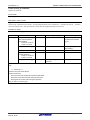
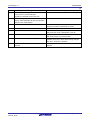
[Cause 4]
The clock may not be able to be supplied to the target device.
[Action 4]
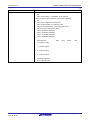
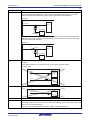
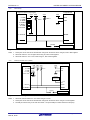
<1> Check the settings in the [Supply oscillator] area on the [Standard] tab in the Device Setup dialog box. For the
correct settings, refer to the supplementary materials for the PR5 file or the user’s manual of the target device.
<2> Check the clock supply on the target system by means such as waveform monitoring.
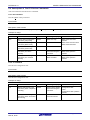
[Cause 5]
Power may not be supplied correctly to the target device.
[Action 5]
<1> Check the settings in the [Supply voltage] area on the [Advanced] tab in the Device Setup dialog box.
<2> Check that power is supplied from the target system. If power is supplied from the FP5, a power shortage may
occur because its maximum power supply is 200 mA. In such a case, supply power from the target system and then
change the setting.
R20UT2922EJ0200 Rev.2.00
Mar 02, 2015
Page 128 of 164