1
Oscilloscope Functions
3.3 Setup Horizontal System
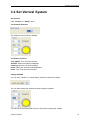
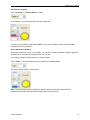
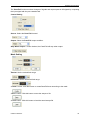
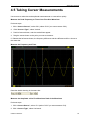
Change Time/Div
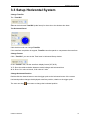
The “Time/Div”
Selects the horizontal Time/DIV (scale factor) for the main or the window time base
The Horizontal Panel
Click the blue knob can change Time/Div.
If the waveform acquisition is stopped, Time/Div control expands or compresses the waveform.
Change Format
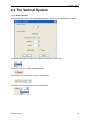
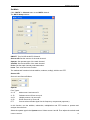
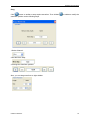
Click “Time/Div” you can set the Time base in Horizontal Setup window.
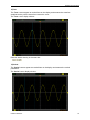
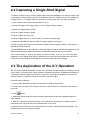
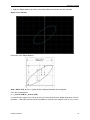
In the “Format” item, set the waveform display format (Y-T, X-Y).
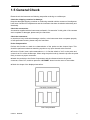
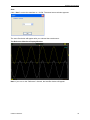
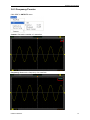
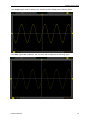
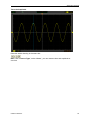
Y -T: Show the relative relation between vertical voltage and horizontal time
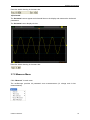
X -Y: Show CH1 value at X axis; CH2 value at Y axis
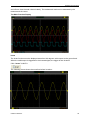
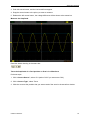
Change Horizontal Position
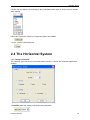
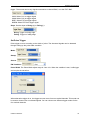
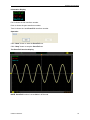
Double click the channel button to set the trigger point to the horizontal center of the screen.
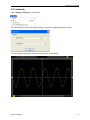
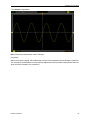
Horizontal position changes the displayed waveform position, relative to the trigger point.
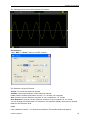
The user can drag
USER’S MANUAL
on screen to change the horizontal position.
31