1
3
Capturing Data
To select the source channel for recording
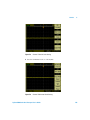
1 In the Sequence menu (Acquire→Sequence→Mode=Capture), press Source
to select the desired input channel or the mask test output.
To specify the mask test output, see “To set the mask test output
condition” on page 113.
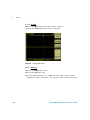
To select the number of frames to record
1 In the Sequence menu (Acquire→Sequence→Mode=Capture), select
End Frame.
2 Turn the Entry knob to select a number from 1 to 1000.
To start/stop recording
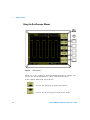
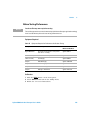
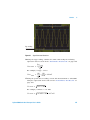
1 In the Sequence menu (Acquire→Sequence→Mode=Capture), select Operate
to start or stop recording.
•
— Appears on the menu when not recording; press Operate to start
recording.
•
— Appears on the menu when recording; press Operate to stop
recording.
To select the interval between recorded frames
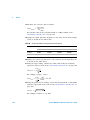
1 In the Sequence menu (Acquire→Sequence→Mode=Capture), select Interval.
2 Turn the Entry knob to select an interval from 1 ms to 1000 s.
To play-back waveforms
To play- back waveforms:
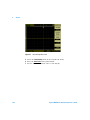
1 Press Acquire.
2 In the Acquire menu, select Sequence.
3 In the Sequence menu, press Mode to select “Play back”.
84
Agilent 3000 Series Oscilloscopes User’s Guide