1
Using the Menu
Before Use
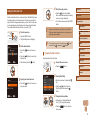
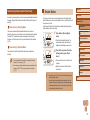
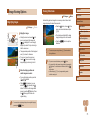
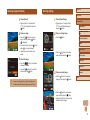
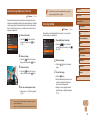
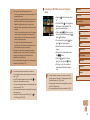
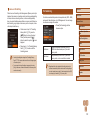
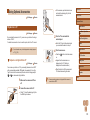
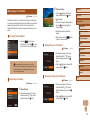
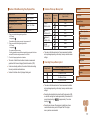
Deactivating Auto Rotation
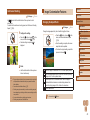
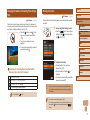
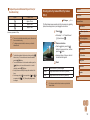
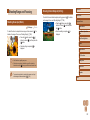
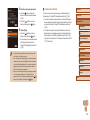
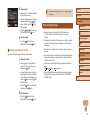
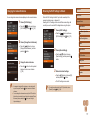
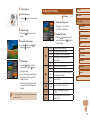
1 Choose [Rotate].
●● Press the [
[Rotate] on the [
] button and choose
] tab (= 27).
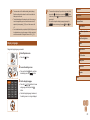
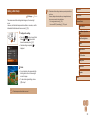
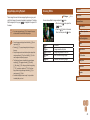
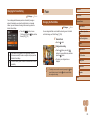
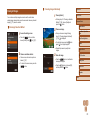
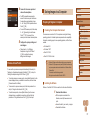
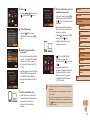
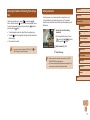
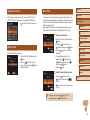
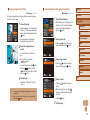
Follow these steps to deactivate automatic image rotation, which rotates
images based on the current camera orientation.
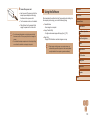
●● Press the [
Rotate] on the [
[Off] (= 27).
] button, choose [Auto
] tab, and then choose
Basic Guide
Advanced Guide
Camera Basics
Auto Mode / Hybrid Auto
Mode
Other Shooting Modes
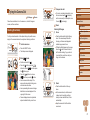
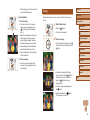
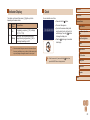
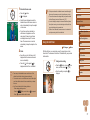
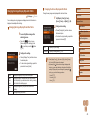
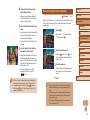
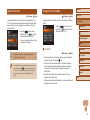
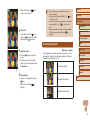
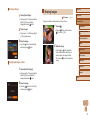
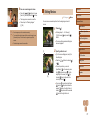
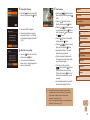
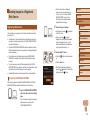
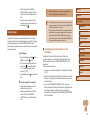
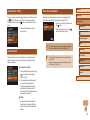
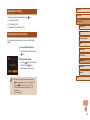
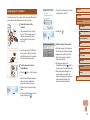
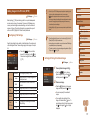
2 Rotate the image.
●● Press the [ ][ ] buttons to choose an
image.
●● The image is rotated 90° each time you
press the [ ] button.
●● To return to the menu screen, press the
] button.
[
P Mode
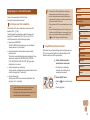
●● Images cannot be rotated (= 81) when you set [Auto Rotate]
to [Off]. Additionally, images already rotated will be displayed in
the original orientation.
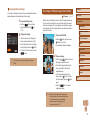
●● In Smart Shuffle (= 76) mode, even if [Auto Rotate] is set
to [Off], images shot vertically will be displayed vertically, and
rotated images will be displayed in the rotated orientation.
Playback Mode
Wi-Fi Functions
Setting Menu
●● Rotation is not possible when [Auto Rotate] is set to [Off]
(= 82).
Accessories
Appendix
Index
82