1
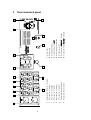
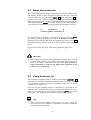
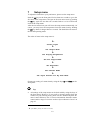
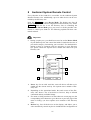
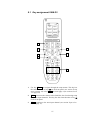
8.1 Key assignment SAM G2
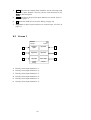
SAM G2:
Mi 14:51
1/2 pages
Balanced
Input
Input Two
Input Three
Input Four
Tape Input
Phono Input
Current
Activity
Devices
1
2
3
4
5
6
7
1
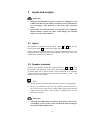
Use key Menu to navigate through the setup menus. This key has
the same function as key set on the front panel (see section 'Setup
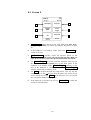
menu' on page 19) or key Set on screen page 2 (see section 'Screen
2' in page 29).
2
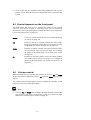
Vol+ , increases the volume of the SAM G2, also for selecting setup
options or input channels. This key has the same function as key up
on the front panel.
3
Ch+ , switches to the next input channel (see section 'Input selection' on page 17).
27