1
EZT-550 Controller Manual
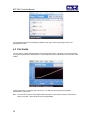
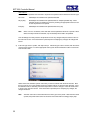
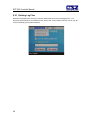
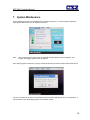
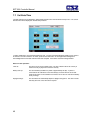
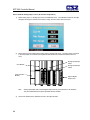
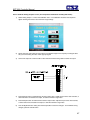
From the System settings window, touch the “Calibrate” button to start the calibration utility.
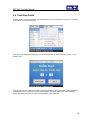
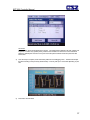
Crosshairs will appear on the screen. At each crosshair position, touch the screen to set the calibration position.
The calibration requires five points, the center and four corners. Once complete, the calibration utility will exit
and return to the System settings window.
49