1
R-NET TECHNICAL MANUAL – ELPM 90, JSM-LED & SM
2.1.2.2
PG DRIVES TECHNOLOGY
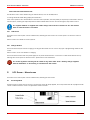
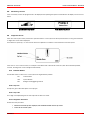
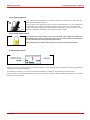
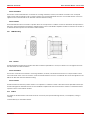
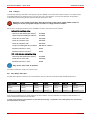
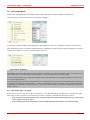
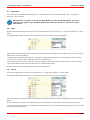
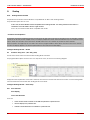
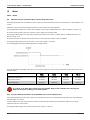
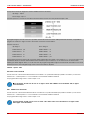
Profile Indicator
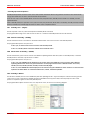
This is an indicator that shows the selected drive profile. There may be up to 5 drive profiles available, this depends on the
programming of the control system. For details of how to select drive profiles, see sections 4.2.4.1 and 4.2.5.1.
2.1.3
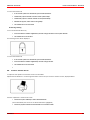
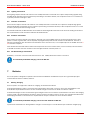
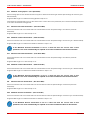
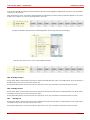
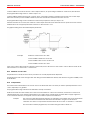
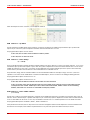
Speed / Profile Decrease Button
This button decreases the maximum speed setting or, if the control system is programmed for drive profile operation, selects a
lower drive profile.
It is possible to program the control system so this button has no effect while the wheelchair is being driven.
Refer to Chapter 3 - Programming for details.
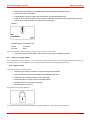
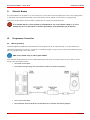
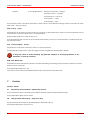
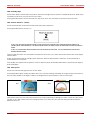
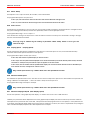
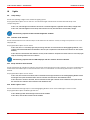
2.1.4 Speed / Profile Increase Button
This button increases the maximum speed setting or, if the control system is programmed for drive profile operation, selects a
higher drive profile.
It is possible to program the control system so this button has no effect while the wheelchair is being driven.
Refer to section 5 for details of the momentary screen
Refer to Chapter 3 - Programming for details.
2.1.5
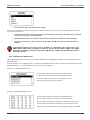
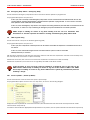
Mode Button
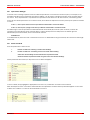
The Mode button allows the user to navigate through the available operating Modes for the control system. The available modes
are dependant on programming and the range of auxiliary output devices connected to the control system.
Refer to Chapter 3 - Programming for details.
When in Bluetooth and Environmental Mode the Speed and Actuator LED’s are all extinguished.
2.2
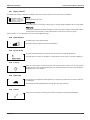
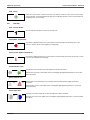
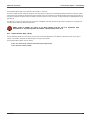
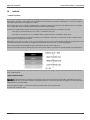
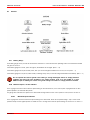
Actuator Indicator
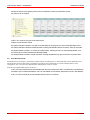
This LED set displays which Actuator channel is currently being controlled when the Control System is in Actuator Mode. The
actuators can be programmed to work in multiple ways, refer to Chapter 3 Programming for details.
Actuator selection and operation is achieved using the Joystick.
Motions to the Left or Right select different actuator channels.
Motions Forward and Backwards move the actuator(s) selected.
114
SK77981/4