1
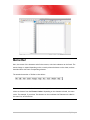
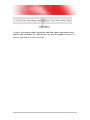
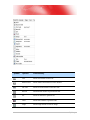
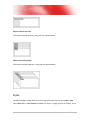
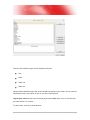
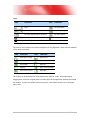
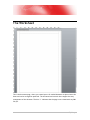
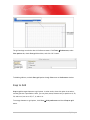
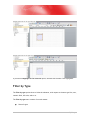
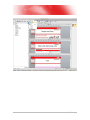
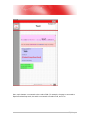
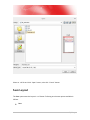
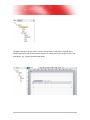
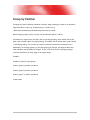
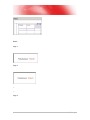
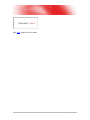
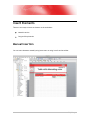
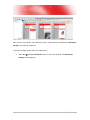
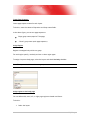
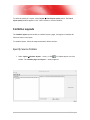
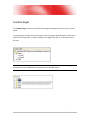
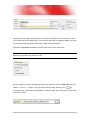
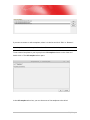
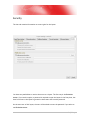
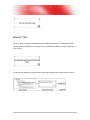
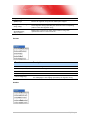
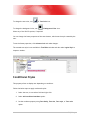
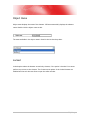
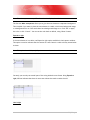
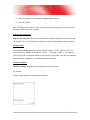
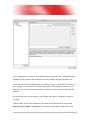
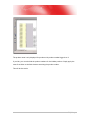
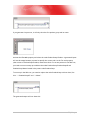
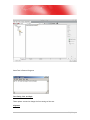
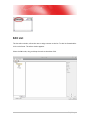
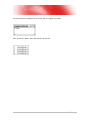
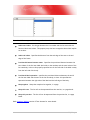
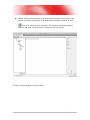
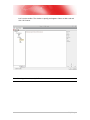
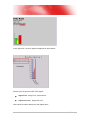
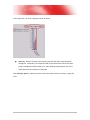
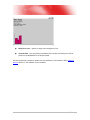
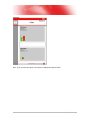
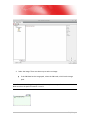
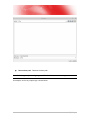
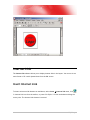
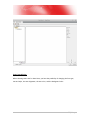
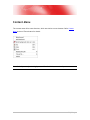
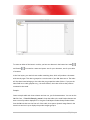
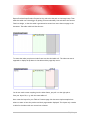
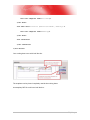
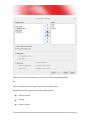
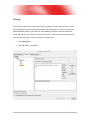
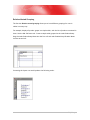
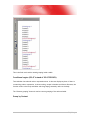
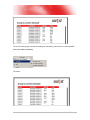
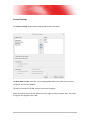
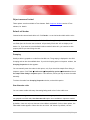
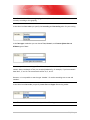
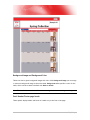
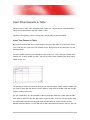
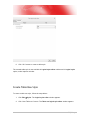
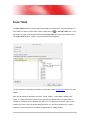
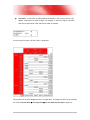
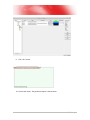
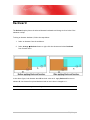
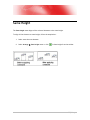
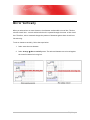
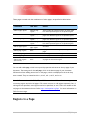
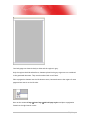
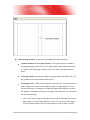
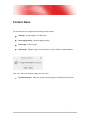
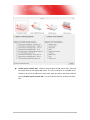
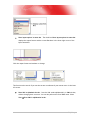
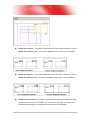
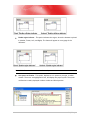
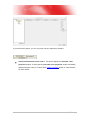
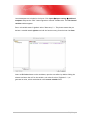
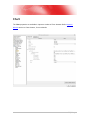
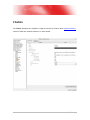
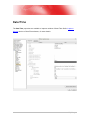
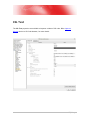
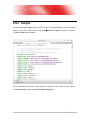
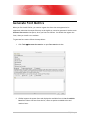
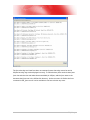
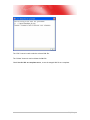
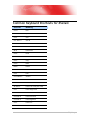
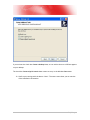
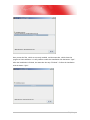
If you generate a layout now, it will only show the first product group and its name:
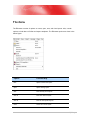
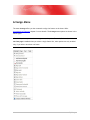
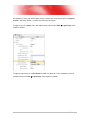
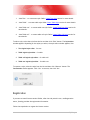
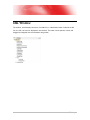
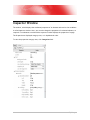
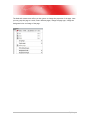
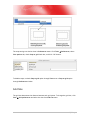
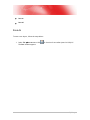
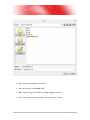
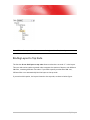
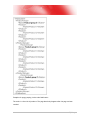
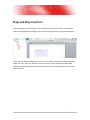
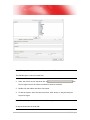
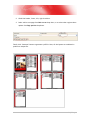
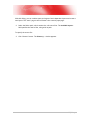
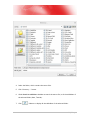
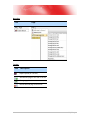
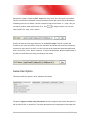
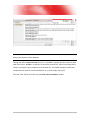
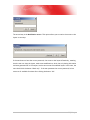
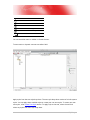
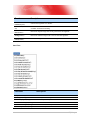
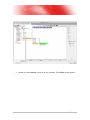
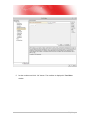
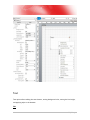
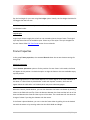
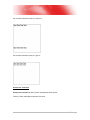
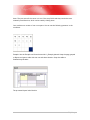
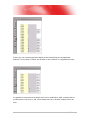
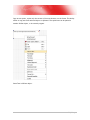
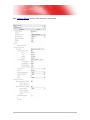
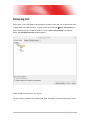
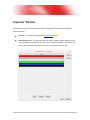
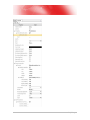
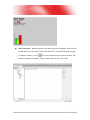
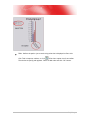
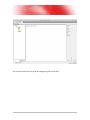
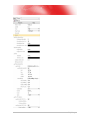
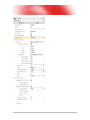
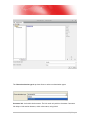
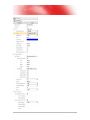
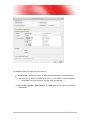
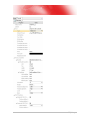
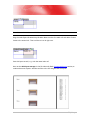
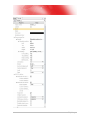
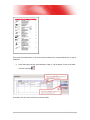
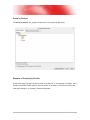
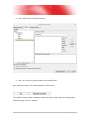
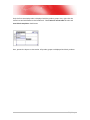
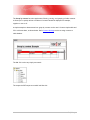
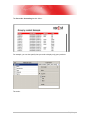
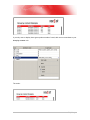
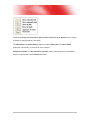
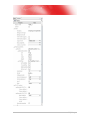
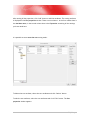
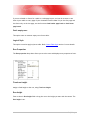
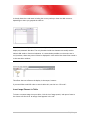
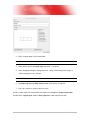
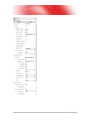
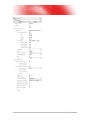
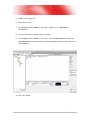
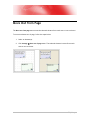
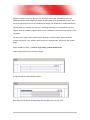
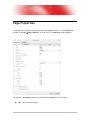
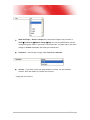
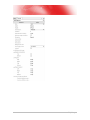
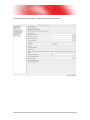
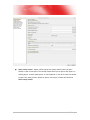
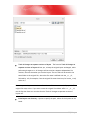
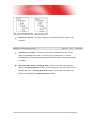
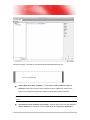
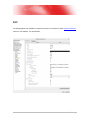
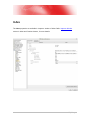
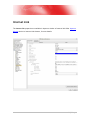
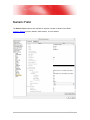
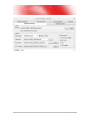
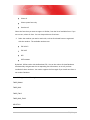
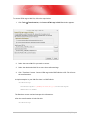
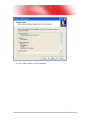
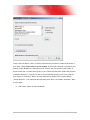
Activate the For each property and select the node ProductGroup/Product. A generated layout
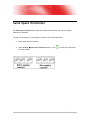
will now be empty because you need to specify the correct path. As the For each property
(that we set to ProductGroup/Product) means that this is our current position in the XML tree,
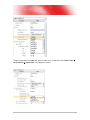
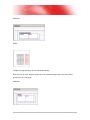
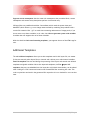
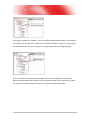
you need to move one step up to address the nodes ProductGroup/ProductGroupID and
ProductGroup/Name located in the parent node ProductGroup.
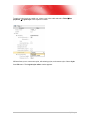
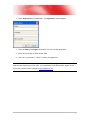
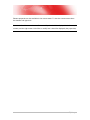
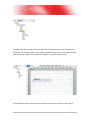
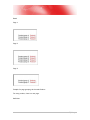
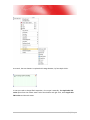
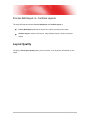
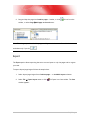
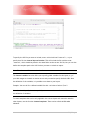
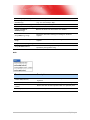
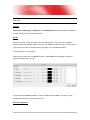
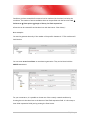
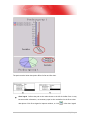
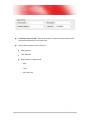
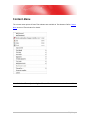
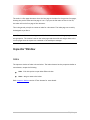
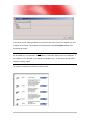
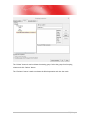
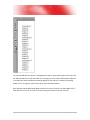
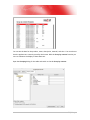
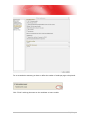
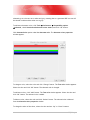
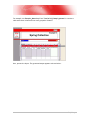
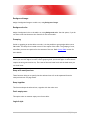
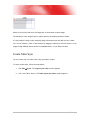
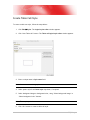
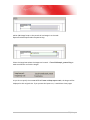
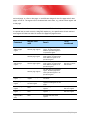
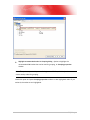
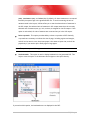
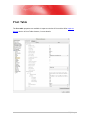
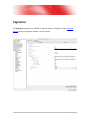
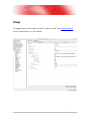
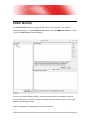
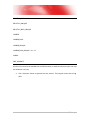
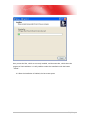
To move up in the XML tree, you need to replace the node ProductGroup with two dots, like
this: “../ProductGroupID” and “../Name”.
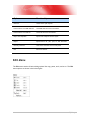
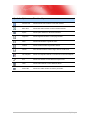
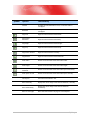
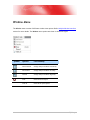
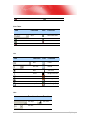
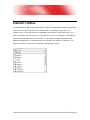
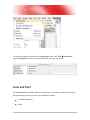
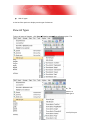
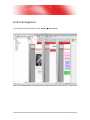
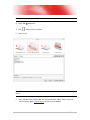
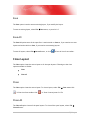
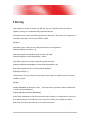
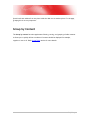
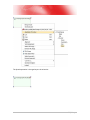
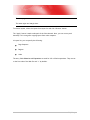
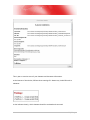
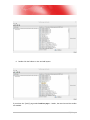
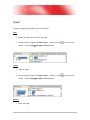
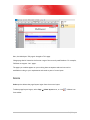
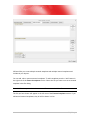
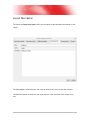
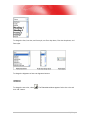
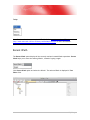
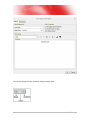
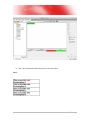
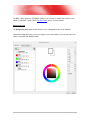
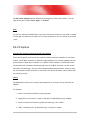
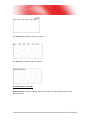
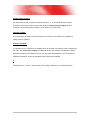
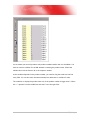
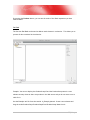
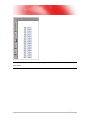
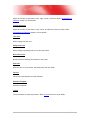
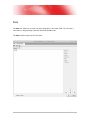
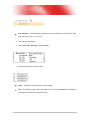
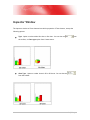
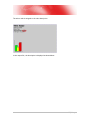
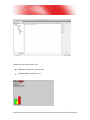
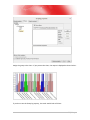
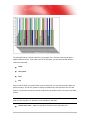
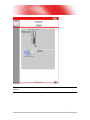
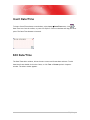
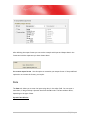
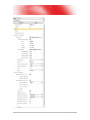
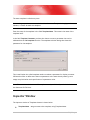
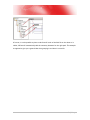
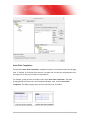
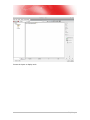
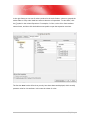
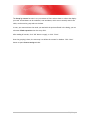
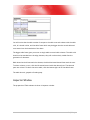
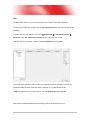
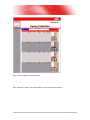
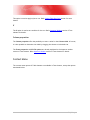
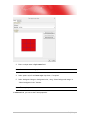
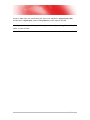
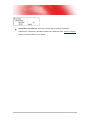
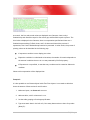
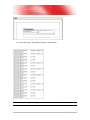
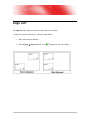
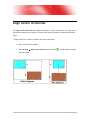
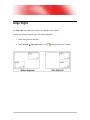
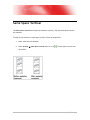
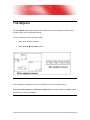
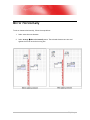
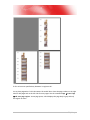
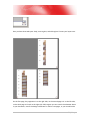
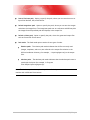
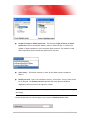
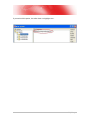
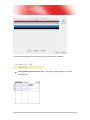
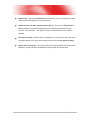
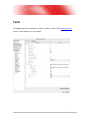
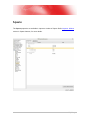
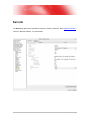
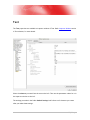
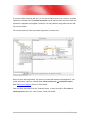
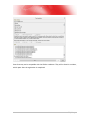
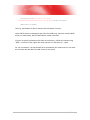
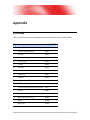
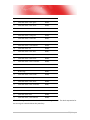
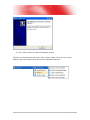
The generated output will now show this:
178 | P a g e