1
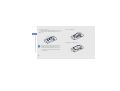
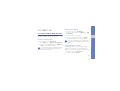
Capture photos with decorative frames
Option
Function
1. In Menu mode, select Camera to turn on the
camera.
Exposure
metering
Select a type of exposure metre
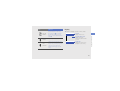
2. Press <Options> → Frame.
Effects
Apply a special effect
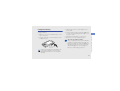
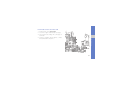
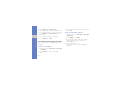
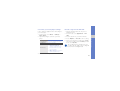
3. Select a frame and press the Confirm key.
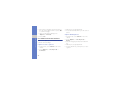
5. Press the Confirm key to take a photo with the
frame.
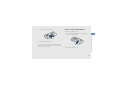
Before capturing a video, press <Options> to
access the following options:
Recording mode
Function
Change the recording mode
Use camera options
Resolution
Change the resolution option
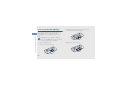
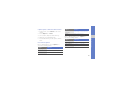
Before capturing a photo, press <Options> to
access the following options:
White balance
Adjust the colour balance
Effects
Apply a special effect
Option
Shooting mode
Function
Change the shooting mode
Resolution
Change the resolution option
White balance
Adjust the colour balance
Option
using advanced functions
4. Make any necessary adjustments.
45