1
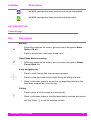
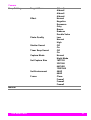
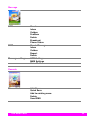
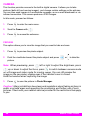
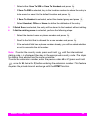
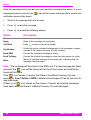
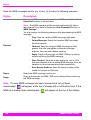
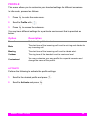
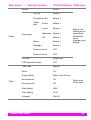
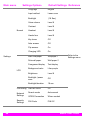
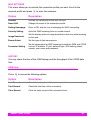
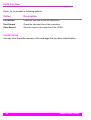
To adjust some certain settings before capturing, perform the following steps:
1.
Press
to enter Preview.
2.
Press
to access the submenu before capturing the image. You can make
changes to the settings by pressing
achieve the best effect for the picture.
for each available option in order to
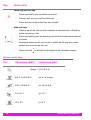
CAPTURE MOVIE
This option allows you to capture moving images and make some certain settings
when recording.
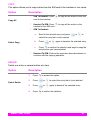
1.
Press
to access the Capture Movie mode.
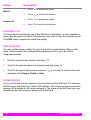
2.
Press
to start recording. While recording,
left corner of the display.
3.
Press
to stop recording.
4.
Press
to save the video clip in Movie Manager.
will appear on the upper-
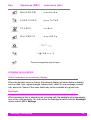
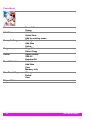
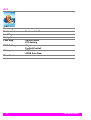
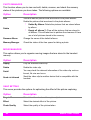
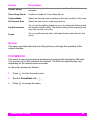
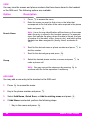
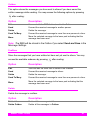
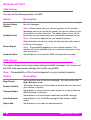
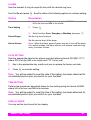
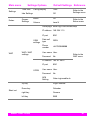
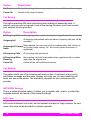
To adjust some certain settings before capturing, perform the following steps:
1.
Press
to enter Capture Movie menu.
2.
Press
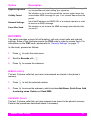
to access the submenu before capturing the image. You can make
changes to the settings by pressing
achieve the best effect of the picture.
MENU FUNCTIONS
for each available option in order to
41