1
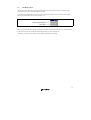
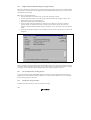
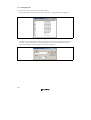
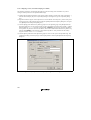
To create a new file extension in a new file group:
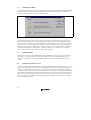
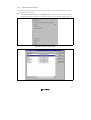
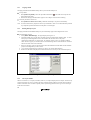
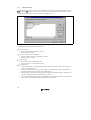
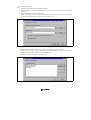
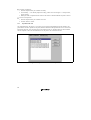
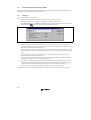
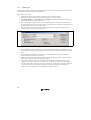
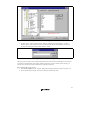
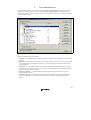
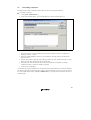
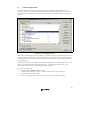
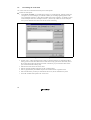
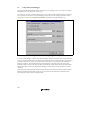
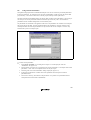
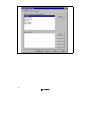
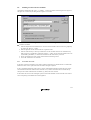
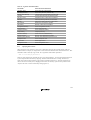
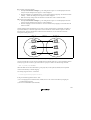
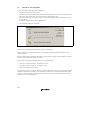
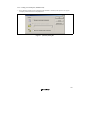
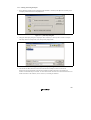
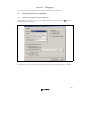
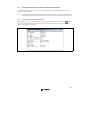
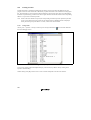
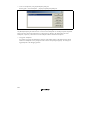
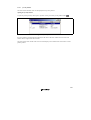
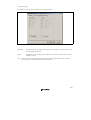
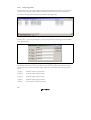
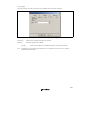
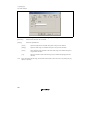
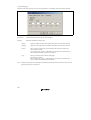
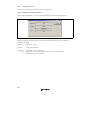
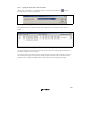
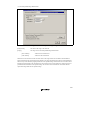
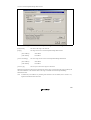
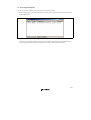
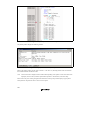
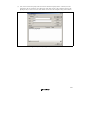
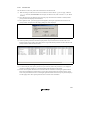
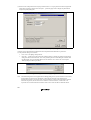
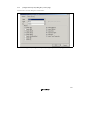
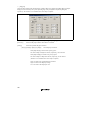
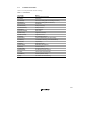
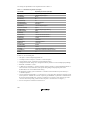
1. Select [Project->File Extensions...] from the menu bar. The “File Extensions” dialog will be displayed
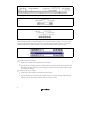
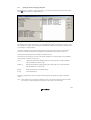
(figure 2.7).
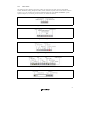
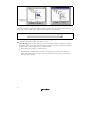
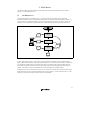
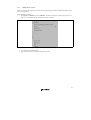
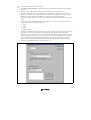
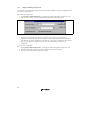
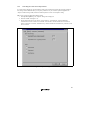
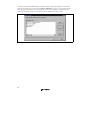
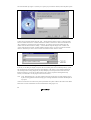
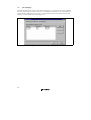
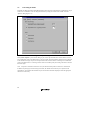
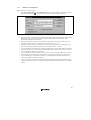
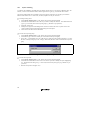
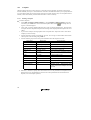
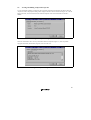
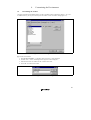
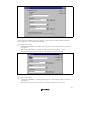
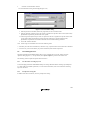
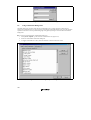
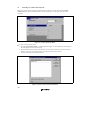
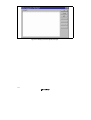
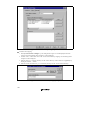
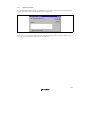
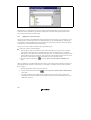
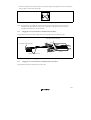
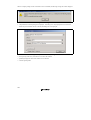
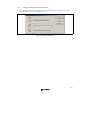
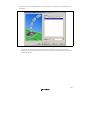
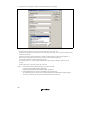
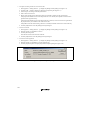
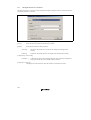
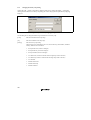
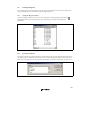
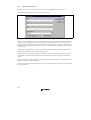
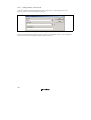
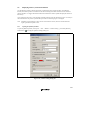
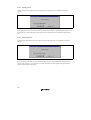
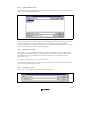
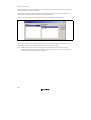
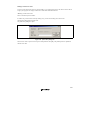
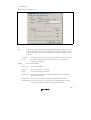
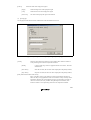
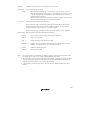
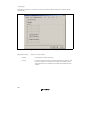
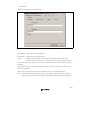
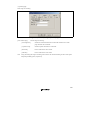
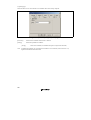
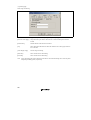
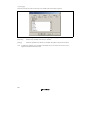
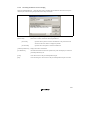
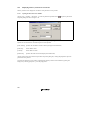
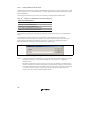
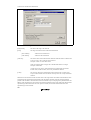
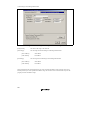
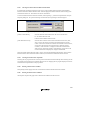
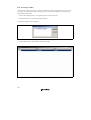
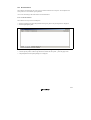
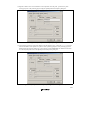
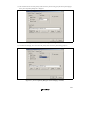
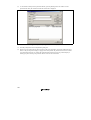
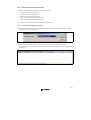
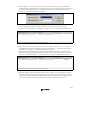
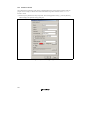
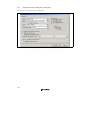
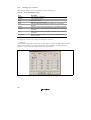
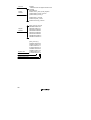
2. Click the “Add…” button. The “Add File Extension” dialog will be displayed (figure 2.9).
3. Enter the extension, which you want to define into the “File extension” field. It is not necessary to type
the period ( . ) character. The drop list contains all extensions that are undefined in the current project.
Selecting one of these extensions will add the text to the file extension field automatically.
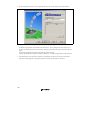
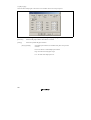
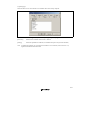
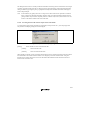
4. Select the “Extension belongs to a new group” option and enter a description, which defines this new file
group.
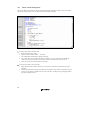
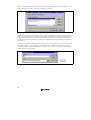
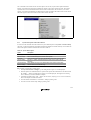
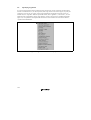
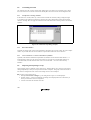
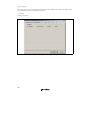
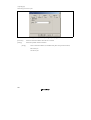
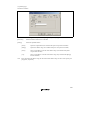
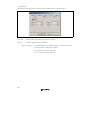
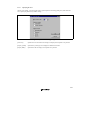
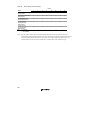
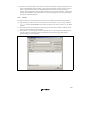
5. At this stage it is possible to change the associated application. There are four available choices in the
“Open” with drop list. These are listed below:
• Editor
• None
• Other
• Windows default
If the editor is selected, the open file function in the workspace window causes the file to be opened in the
HEW editor. If none is selected then the open operation is disabled when the open file function is
attempted. Selecting “Other” allows you to configure an another tool for the open file operation. See “To
associate an application with a file group” for more details. If the “Windows default” option is selected
then the open file function in the workspace window passes the open file to the Windows operating
system. This then selects the default behavior for this file extension as defined in Windows Explorer.
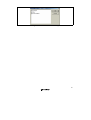
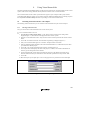
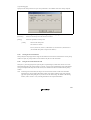
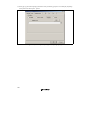
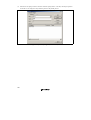
6. Click “OK” to add the extension to the “File Extensions” list.
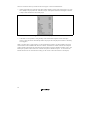
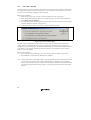
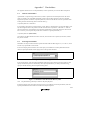
Figure 2.9: Add File Extension Dialog (New Group)
19