1
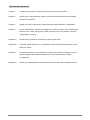
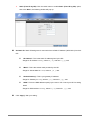
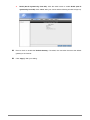
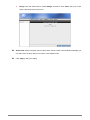
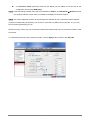
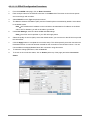
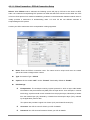
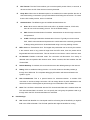
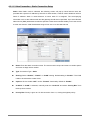
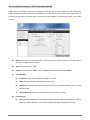
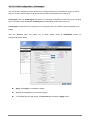
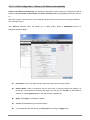
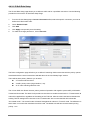
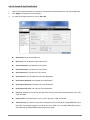
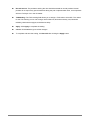
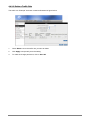
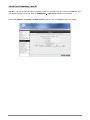
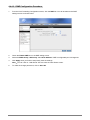
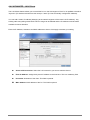
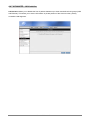
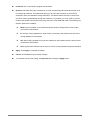
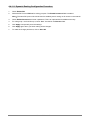
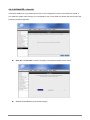
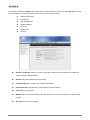
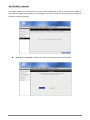
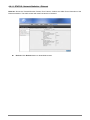
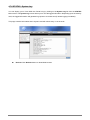
4.3.2.1.3 LAN Configuration – Obtain an IP Address Automatically Obtain an IP address automatically: The following configuration screen will pop-up. All filling items will be hidden except Host Name, Domain Name and Server and Relay Off (Unchangeable) radio button will turn on. When this function is enabled, your 4 Ports ADSL2/2+ Router acts like a client and can request IP address from the DHCP server. Click Services selection items will guides you to detail setting. Refer to ADVANCED section for setting/configuration details. Host Name: Can be any alpha-numeric expression that does not contain spaces. Domain Name: Used in conjunction with the host name to uniquely identify the gateway. To access the 4 Ports ADSL2/2+ Router's web pages, the user can type 192.168.1.1 (The default IP Address) or type mygateway1.ar7 in the Web browser’s address bar. Apply: Click Apply to complete the setting. Cancel: Click Cancel to ignore all the changes. To complete and save the setting, click Save All after clicking the Apply button. 4 Ports ADSL2/2+ Router 63