1
Welcome to Perfect Effects Free 10
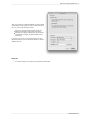
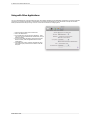
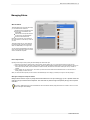
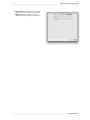
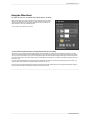
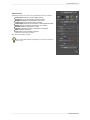
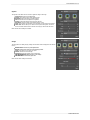
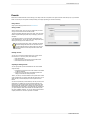
When you open a file(s) in the standalone application you will be presented
with the dialog to the right. It allows you to choose to work on the original
file, a copy, or to stack the files together as layers.
Edit a Copy: A copy of the original file is made using the Copy
Options below and saved in the same folder as the original.
Edit Original: The original file is edited directly. This overwrites the
original file with your changes. This option is disabled for Raw or
read-only files.
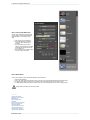
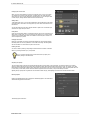
If you select to open a copy, you can control the file type, color space,
bit-depth and resolution. If you have multiple files selected, they will all be
handled the same way.
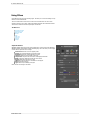
Saving Files
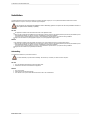
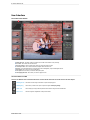
1. You may save the image you are working on by pressing the Save & Close button.
Perfect Effects Free