1
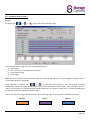
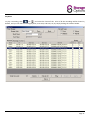
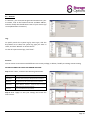
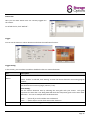
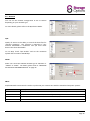
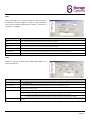
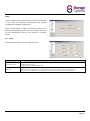
4.3 – Frequently Used Functions Record: To record, click “ ” or “ ”→“ ” to go to the “Record Setting” page. In the “Record Setting” page, you can set the following items: Record type Pre / post-event record time (0~10 seconds) Record time setting Record path Note: The record function will be disabled when the reserved disk capacity in “Reserved(MB)” is larger than the current disk capacity in “Free(MB)”. When “Manual” is checked, click “ ” or “ ” on the main control panel to start the manual recording immediately, and the recordings will be saved in the location specified in “Record Path”. When “Motion” and / or “Alarm” are checked, the recording function will be enabled for any motion or alarm event, and the recordings will be saved in the location specified in “Record Path”. You can also set a recording schedule from the “Record Setting” page, by setting colour coded blocks of time. Schedule: Alarm: Motion: Page 10