1
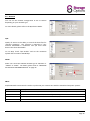
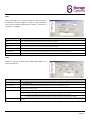
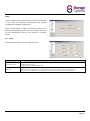
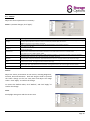
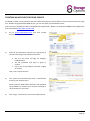
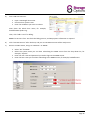
CREATING AN ACCOUNT FOR DDNS SERVICE For PPPOE or DHCP, you should enter the host name which points to the IP address of your network camera for login first. Besides using the default DDNS service, you can also apply for new DDNS services. There are many websites that offer free DDNS service application. Below is an example of DDNS account application from the website http://www.dyndns.com. 1) Go to http://www.dyndns.com, and click “Create Account” to sign up a DDNS account. 2) Enter all the information necessary for signing up an account according to the website instructions. Key in a user name for login, for example, headoffice523. Set the password and input it again to confirm. Key in your E-mail address and input it again to confirm. Then, click “Create Account”. 3) The system will automatically send a confirmation email to your email account. Please read this email within 48 hours and complete the procedure to activate your account according to the instructions in the email. 4) Click “login”, and enter the user name and password. Page 25