1
Sphinx Documentation, Release 1.3.1
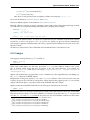
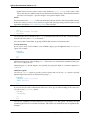
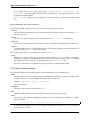
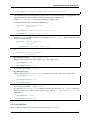
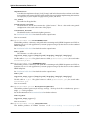
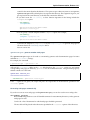
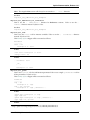
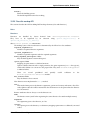
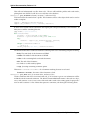
– default-role55 (set a new default role)
– role56 (create a new role)
Since these are only per-file, better use Sphinx’s facilities for setting the default_role.
Do not use the directives sectnum57 , header58 and footer59 .
Directives added by Sphinx are described in Sphinx Markup Constructs.
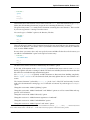
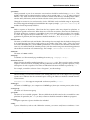
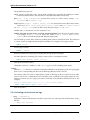
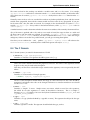
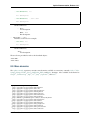
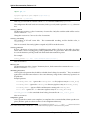
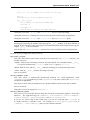
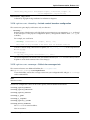
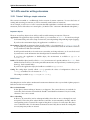
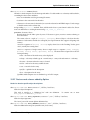
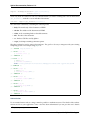
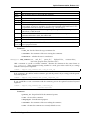
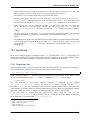
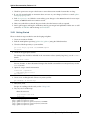
Basically, a directive consists of a name, arguments, options and content. (Keep this terminology in mind,
it is used in the next chapter describing custom directives.) Looking at this example,
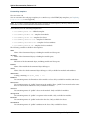
.. function:: foo(x)
foo(y, z)
:module: some.module.name
Return a line of text input from the user.
function is the directive name. It is given two arguments here, the remainder of the first line and the
second line, as well as one option module (as you can see, options are given in the lines immediately
following the arguments and indicated by the colons). Options must be indented to the same level as the
directive content.
The directive content follows after a blank line and is indented relative to the directive start.
6.10 Images
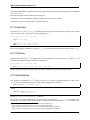
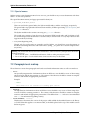
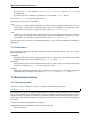
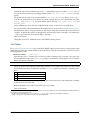
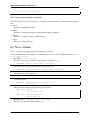
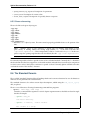
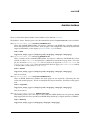
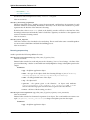
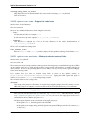
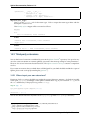
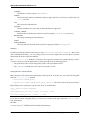
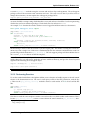
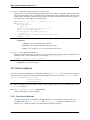
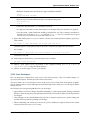
reST supports an image directive (ref60 ), used like so:
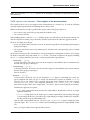
.. image:: gnu.png
(options)
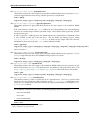
When used within Sphinx, the file name given (here gnu.png) must either be relative to the source
file, or absolute which means that they are relative to the top source directory. For example, the
file sketch/spam.rst could refer to the image images/spam.png as ../images/spam.png or
/images/spam.png.
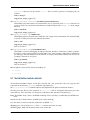
Sphinx will automatically copy image files over to a subdirectory of the output directory on building (e.g.
the _static directory for HTML output.)
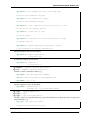
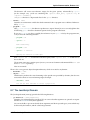
Interpretation of image size options (width and height) is as follows: if the size has no unit or the unit
is pixels, the given size will only be respected for output channels that support pixels (i.e. not in LaTeX
output). Other units (like pt for points) will be used for HTML and LaTeX output.
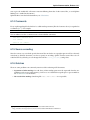
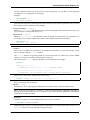
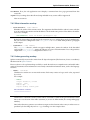
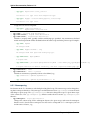
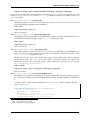
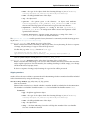
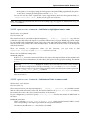
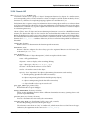
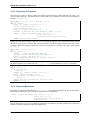
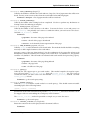
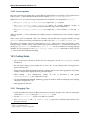
Sphinx extends the standard docutils behavior by allowing an asterisk for the extension:
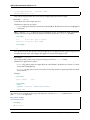
.. image:: gnu.*
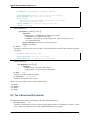
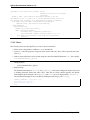
Sphinx then searches for all images matching the provided pattern and determines their type. Each builder
then chooses the best image out of these candidates. For instance, if the file name gnu.* was given and
two files gnu.pdf and gnu.png existed in the source tree, the LaTeX builder would choose the former,
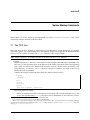
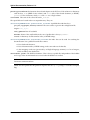
55 http://docutils.sourceforge.net/docs/ref/rst/directives.html#default-role
56 http://docutils.sourceforge.net/docs/ref/rst/directives.html#role
57 http://docutils.sourceforge.net/docs/ref/rst/directives.html#sectnum
58 http://docutils.sourceforge.net/docs/ref/rst/directives.html#header
59 http://docutils.sourceforge.net/docs/ref/rst/directives.html#footer
60 http://docutils.sourceforge.net/docs/ref/rst/directives.html#image
6.10. Images
23