1
2012
Technical Reference Manual
481
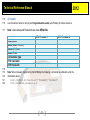
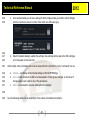
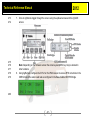
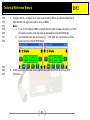
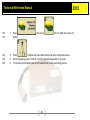
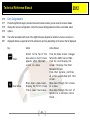
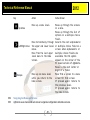
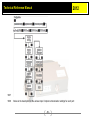
9. Press the “>” right arrow key two (2) times until the “Configuration” screen appears.
482
483
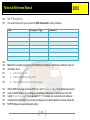
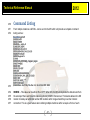
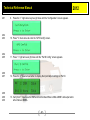
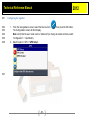
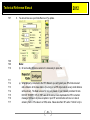
10. Press “V” down arrow to enter the “GPS Config” screen.
484
485
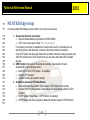
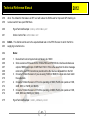
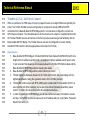
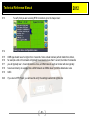
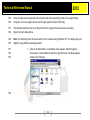
11. Press “>” right arrow six (6) times until the “Port D Config” screen appears.
486
487
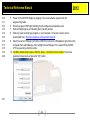
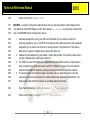
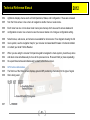
12. Press the “V” down arrow button to display the Input Output settings for Port D.
488
489
490
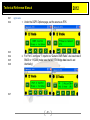
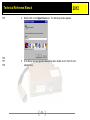
13. Verify that “I” Input is set to CMR and that the Baud Rate is 38k4 with8N1 and output set to
either None or NMEA.
- 48 -