1
Custom Event Branding & Access
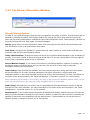
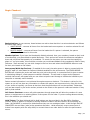
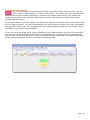
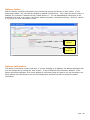
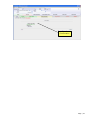
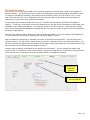
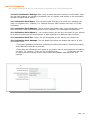
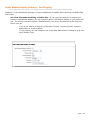
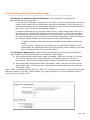
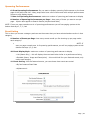
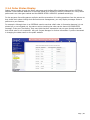
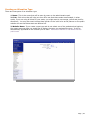
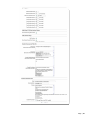
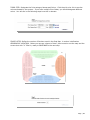
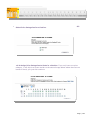
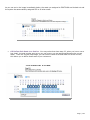
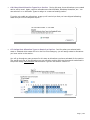
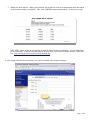
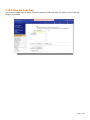
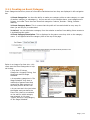
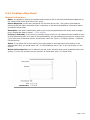
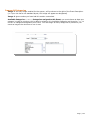
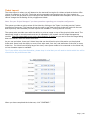
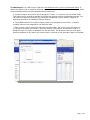
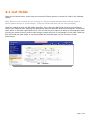
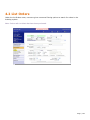
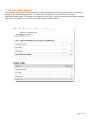
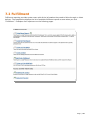
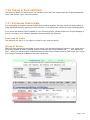
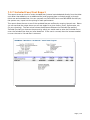
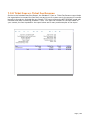
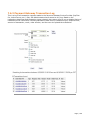
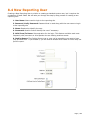
Thanks to newer versions of ShoWare™, you now have the ability to customize the look of the ticketing
website on an Event Level.
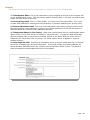
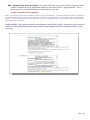
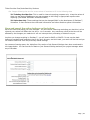
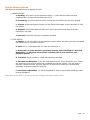
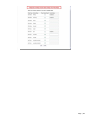
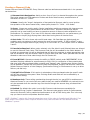
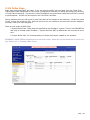
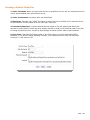
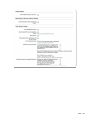
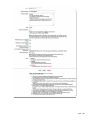
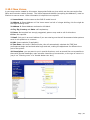
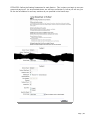
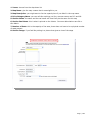
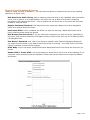
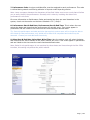
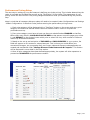
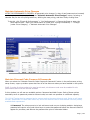
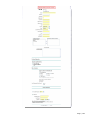
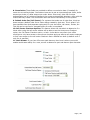
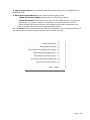
Hide Event from Public Listing: used to create a private link that is only reachable when you send it
out to a list or place it on a private website; this event will not be able to be found by searching
keywords on the ticketing site either – only by sending out the direct link for the event will the public
be able to view the event
Require UserName/Password: this requires the user name and password you have designated
below to be used to access the Event
Use Custom HTML: if this is enabled, the HTML you enter for the body, Header and Footer will be
used; otherwise those boxes are ignored
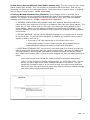
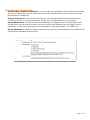
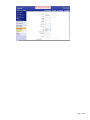
Hide Browse/Search Controls: if you are looking for someone to be sent to the site, specifically to
this event, and not have the ability to navigate to other portions of the site, use this to hide the entire
Left Navigation Bar
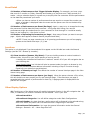
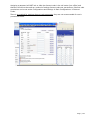
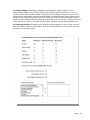
User Name & Password: only used if you choose to enable it with “Require UserName/Password”;
you might find this helpful if you need to submit the event for proofing – but “Hide Event from Public
Listing” could also be used for this purpose
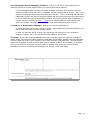
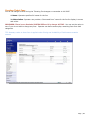
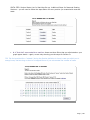
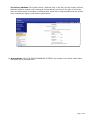
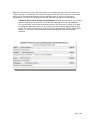
HTML Body: so you are aware, event/Performance Names and links will not follow the text color you
choose
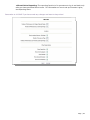
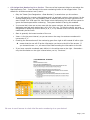
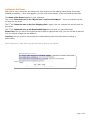
Header HTML & Footer HTML: Link to an image you would like to use for true event branding; if you
customize social networking sites like MySpace, similar code can be used here to create the headers
and footers
Page | 119