1
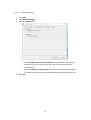
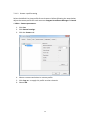
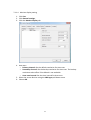
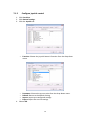
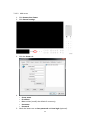
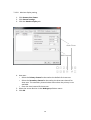
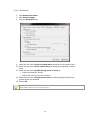
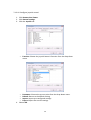
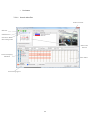
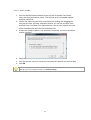
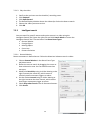
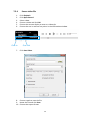
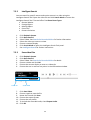
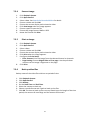
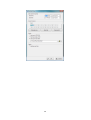
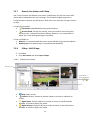
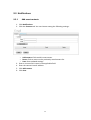
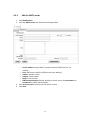
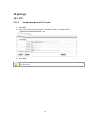
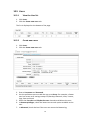
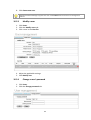
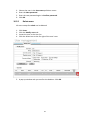
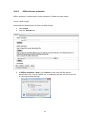
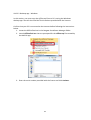
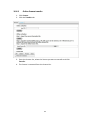
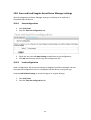
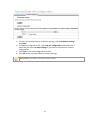
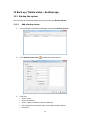
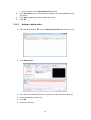
10.6 License Activation and Transfer A Seagate NAS OS device with Seagate Surveillance Manager includes one camera license. To add more cameras to the Seagate Surveillance Manager, users can purchase licenses. For details on adding cameras, see the Seagate Surveillance Manager website. License activations and transfers can be performed: Online–The NAS OS must be connected to the Internet. Use the NAS OS app. Offline–Use the NAS OS app to download the device’s identification details and the desktop app to activate the license. The PC running the desktop app must have access to the Internet. Make certain to purchase licenses before following the directions in this section. Licenses include serial numbers to be used for activation. 10.6.1 Online license activation 1. Click License. 2. Click the Activate tab. 2. Enter the serial number at Online activation > Input S/N. 3. Click Activate. 82