1
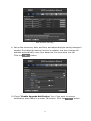
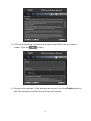
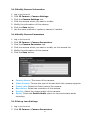
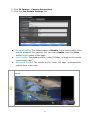
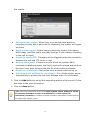
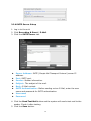
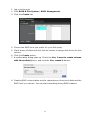
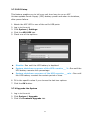
2.7.3 UPS Setup This feature enables you to tell your unit how long to run on APC Uninterruptable Power Supply (UPS) battery power and when to shutdown, after power failure. 1. Attach the APC UPS to one of the unit’s USB ports. 2. Log in to the unit. 3. Click System / Settings. 4. Click the APU UPS tab. 5. Check one of the options: Disable: Run until the UPS battery is depleted System shutdown as power of the UPS remains __ %: Run until the UPS battery remains this percentage. System shutdown as power of the UPS remains __ min.: Run until the UPS battery remains the certain period of time. 6. Fill in the specific value if you choose the last two options. 7. Click the OK button. 2.7.4 Upgrade the System 1. Log in to the unit. 2. Click System / Upgrade. 3. Click the Firmware Upgrade tab. 65