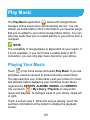
1
Connecting to Virtual Private Networks
Virtual private networks (VPNs) allow you to connect to the
resources inside a secured local network. VPNs are commonly
deployed by corporations, schools, and other institutions to let
people access local network resources when not on campus, or
when connected to a wireless network.
Depending on the type of VPN you are using, you may be
required to enter your login credentials or install security
certificates before you can connect to your VPN. You can get this
information from your network administrator.
Add a VPN
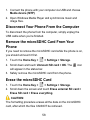
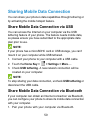
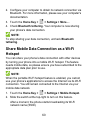
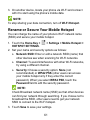
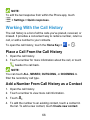
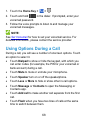
1. Touch the Home Key >
> Settings > More… > VPN.
NOTE:
If you have not set a lock screen PIN or password for your
phone, you are prompted to set one up.
2. Touch Add VPN profile and fill in the information provided by
your network administrator.
3. Touch Save.
The VPN is added to the list on the VPN screen.
62