1
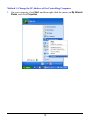
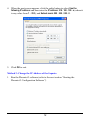
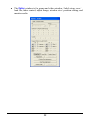
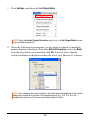
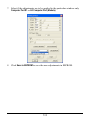
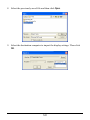
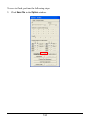
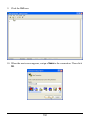
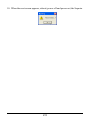
4. When the next screen appears, click the radio button to select Use the
following IP address: and then enter the IP address: 210 . 100 . 100 . x (where x
is any value from 1 – 253), and Subnet mask: 255 . 255 . 255 . 0.
5. Click OK to exit.
Method 2: Change the IP Address of the Sequoia
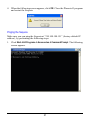
1. Run the Phoenix-G software (refer to the next section “Starting the
Phoenix-G Configuration Software”).
19