1
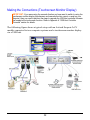
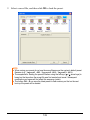
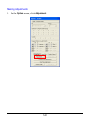
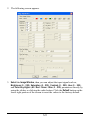
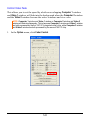
IMPORTANT: Make sure to perform screen calibration when using your touchscreen
monitor with the Sequoia for the very first time, or upon resetting your Sequoia to the default
state (refer to “Making the Connections (Touchscreen Monitor Display)” step 12 in chapter
1 for details).
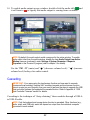
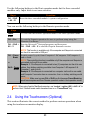
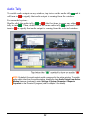
Lock / Unlock Window Layout
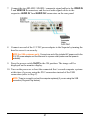
Use your finger (or stylus) to tap the top left corner of the monitor display until
the pointer becomes a capital letter “L,” then tap the “L” symbol twice and the
monitor display’s window layout will be locked. Repeat the steps to return from
window layout locked mode.
Pop-up Selection
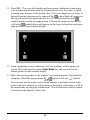
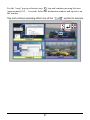
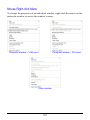
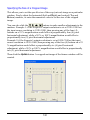
Use your finger (or stylus) to tap the top right corner of a particular window and
when the pop-up selection icons ( /
/
) appear, tap and continue
pressing the desired icon (approximately 0.5 – 1 second) to execute the desired
action.
66