1
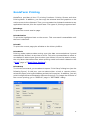
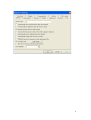
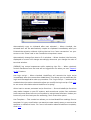
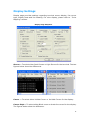
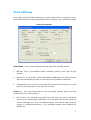
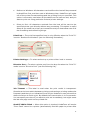
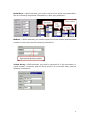
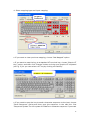
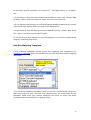
Print Settings Print page provides Printer Settings to select either local or remote printers, print font selection for the printout and printer controller. Fig.1 shows this page. Print Page Snapshot Print Mode -- Print mode supports several particular printing modes: Normal: This is the default mode indicating nothing from host will be printed. Auto Print: In this mode, all the information displayed on the session screen will be automatically printed out until the print operation is aborted. Transparent Print: In this mode, data from the host are sent only to the printer (nothing shows on the terminal screen) Print to -- You have three ways to do the actual printing when print job received from the host (as Fig.): Print Driver: All characters received from the host are sent to Windows printer driver without any modification. You can select the printer using the "Printer Settings" box. This is the default option. You need to make sure you printer is configured properly in the Windows system and selected by KoalaTerm. 51