1
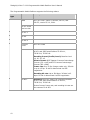
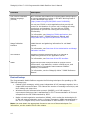
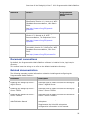
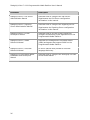
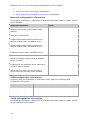
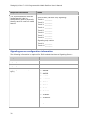
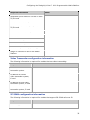
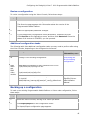
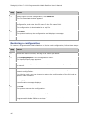
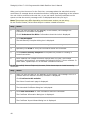
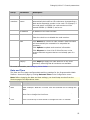
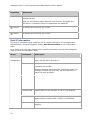
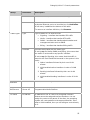
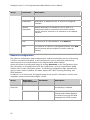
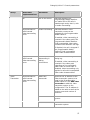
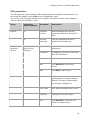
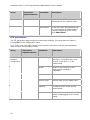
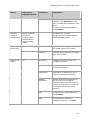
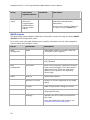
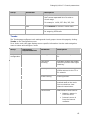
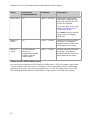
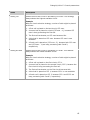
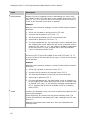
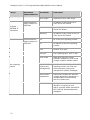
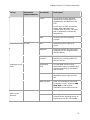
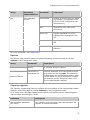
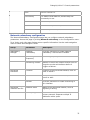
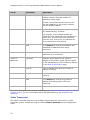
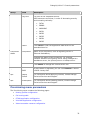
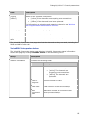
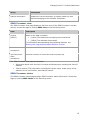
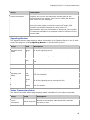
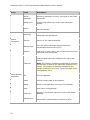
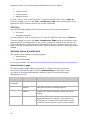
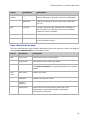
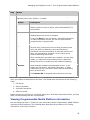
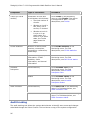
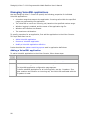
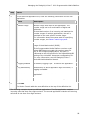
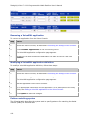
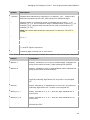
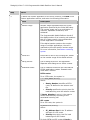
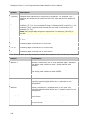
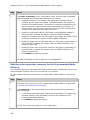
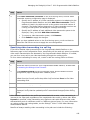
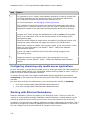
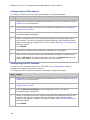
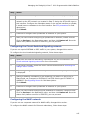
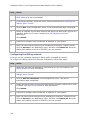
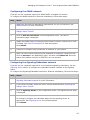
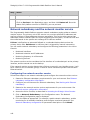
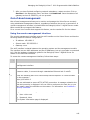
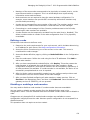
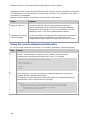
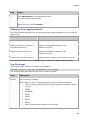
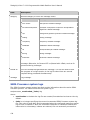
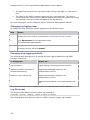
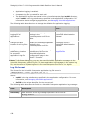
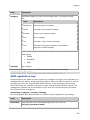
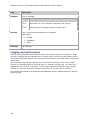
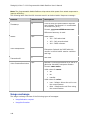
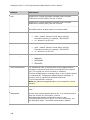
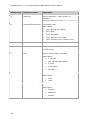
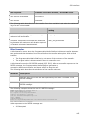
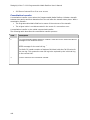
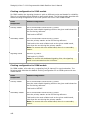
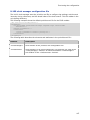
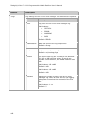
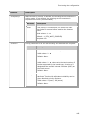
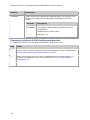
Dialogic® Vision™ 1000 Programmable Media Platform User's Manual Step Action 2 Click Video Transcoder on the Configuration menu, and the Video Transcoder page is displayed with default values based on your license. 3 Modify the number of full-duplex video transcoder channels that are available for this system as needed. The default value is the maximum number of licensed channels. The number of channels configured for use may be less than or equal to the maximum allowed by the license. To restrict usage, you can specify a number that is less than the maximum number of licensed video transcoder resources. Modify the high water mark for CPU usage in percentage as needed. If this threshold is reached, the system issues an SNMP notification. Modify the low water mark for CPU usage in percentage as needed. If this threshold is reached, the system issues an SNMP notification. Modify the upper limit of high water mark for CPU usage in percentage. If this threshold is reached, the system issues an SNMP notification and begins to reject calls. Modify the lower limit of low water mark for CPU usage in percentage. If this threshold is reached, the system issues an SNMP notification and begins to accept calls. Click Submit to apply the changes. Click Services on the Operations menu. On the Services page, start or restart the Video Transcoder service to apply the new configuration. Defining video transcoder resources for the Programmable Media Platform This procedure applies to a Programmable Media Platform that is mated with one or more video transcoder systems, which may be external or co-located. To define video transcoder resources for a Programmable Media Platform, follow these steps: Step Action 1 Access the Vision Console for your Programmable Media Platform, as described in Accessing the Dialogic Vision Console. 2 Click Resources on the Configuration menu, and the Resource Configuration page is displayed. 3 108 In the Global resources group, enable video transcoding. This global flag indicates whether video transcoder resources are available for the Programmable Media Platform. Click Submit to apply the change. Click Services on the Operations menu. On the Services page, start or restart the Call Server service to apply the new configuration.