1
Basic Operation
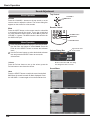
Sound Adjustment
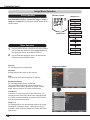
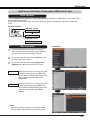
Direct Operation
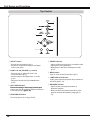
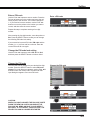
Top Control
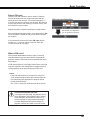
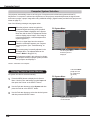
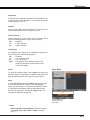
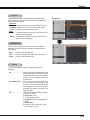
Volume
VOLUME+/buttons
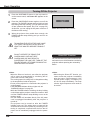
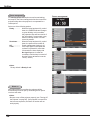
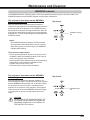
Press the VOLUME+/– buttons on the top control or on the
remote control to adjust the volume. The volume dialog box
appears on the screen for a few seconds.
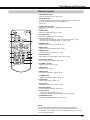
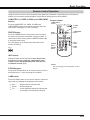
Remote Control
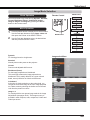
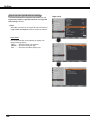
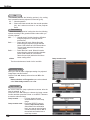
Mute
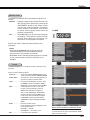
Press the MUTE button on the remote control to select On
to temporarily turn off the sound. To turn the sound back
on, press the MUTE button again to select Off or press the
VOLUME +/– buttons. The Mute function is also effective for
the AUDIO OUT jack.
VOLUME+ button
MUTE button
VOLUME- button
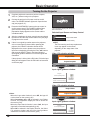
Menu Operation
1
2
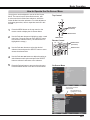
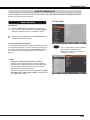
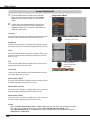
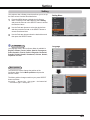
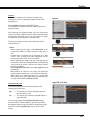
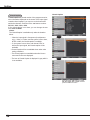
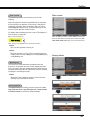
Press the MENU button to display the On-Screen Menu.
Use the Point ▲▼ buttons to select Sound. Press the
Point ► or the SELECT button to access the submenu
items.
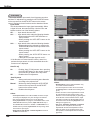
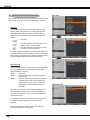
Approximate level
of the volume.
Use the Point ▲▼ buttons to select the desired submenu
item and press the SELECT button to access the
selected item.
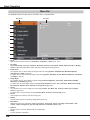
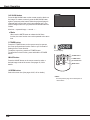
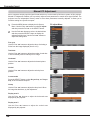
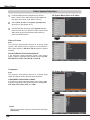
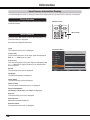
Volume
Press the Point ► button to turn up the volume; press the Point ◄ button to turn down the volume.
Mute
Press the SELECT button to switch the mute function On/
Off. When the sound is turned off, On is displayed. Press
the VOLUME +/– buttons again to turn the sound back on.
24
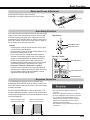
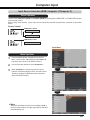
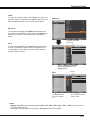
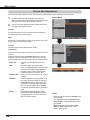
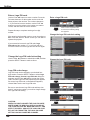
Volume Dialog Box
Press the MUTE button to set the
Mute function On or Off. The dialog
box disappears after 4 seconds.
Sound Menu