1
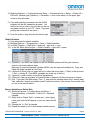
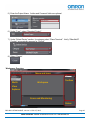
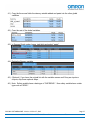
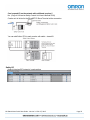
63.) In the toolbar (on the right side), open up the “Safety Function blocks” section by clicking on
the arrow. This is a list of the function blocks needed for the safety devices.
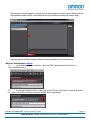
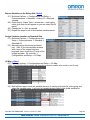
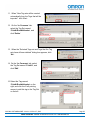
64.) Left click on a function block and drag it to the left so it over the “Start here” green box.
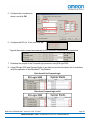
65.) Enter a name for the safety function block. (Left click and type when ??? turn into blanks and
the … button, then enter.)
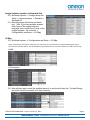
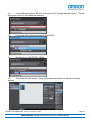
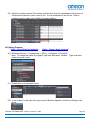
66.) The activate inputs verifies the module is active. If multiple I/O modules were used, this
would use the same variable defines as the output of the AND function block.
In this example “SID800_Unit2_OK” could be used. If the Safety Connection status variable was
not defined in the I/O map, “true” would be used.
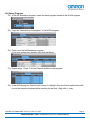
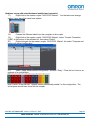
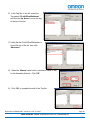
67.) Enter the inputs variables on the left side of the function block, and the output variable on the
right side. In this example, more logic will be added to the output variable. If the logic string
was long or needed in multiple places, a variable could be defined. See the manual or quick
start guides for more programming details.
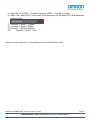
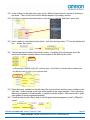
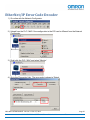
68.) To add another function block, drag it until the green diamond appears on the S_EStopOut
output.
QSG-NX-S-STANDALONE - Version 3.2 Feb. 27, 2015
OMRON AUTOMATION & SAFETY • © 2015 Omron Electronics LLC • www.omron247.com
Page 21