1
Show Log
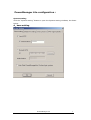
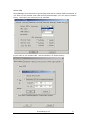
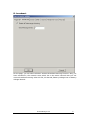
Click the icon of PowerManager Lite in tasks tab with the right key of mouse, then
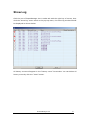
click the “show log” menu which in the pop-up menu, the show log window should
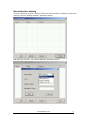
be displayed as shown below.
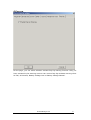
All history events will appear in the “History event” list window. You can delete all
history event by click the “clear” button.
PowerManager Lite
22