1
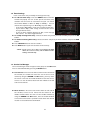
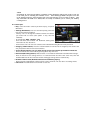
1.4 Data Transfer When the data transfer task is in process, the Front USB slot is set to a default device slot. But, if no USB device is connected on a front USB slot, then the Rear USB slot is set as a device to be used for the data transfer process. NOTE : If no USB device is connected on either two (Front & Rear) USB slots, then a Menu item will not be available. Transfer all System data to USB storage : If you want to transfer and use BOTH of the current system parameters and service data in the future, this menu will allow you to store all data to your USB device. Press OK button to store all current data to an external USB storage. Transfer Service data to USB storage : If you want to transfer and use ONLY the service data in the future, this menu allows you to store current service data. Press the OK button to store the current service data to your external USB storage. The service data can also be viewed and edited on a PC with an appropriate editor (DrEdit) for the file saved. Data download from USB storage device : This menu allows you to download the saved data from the external USB storage to your STB. Press OK button to download data. 35