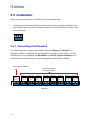
1
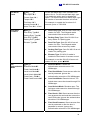
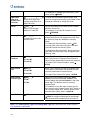
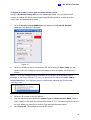
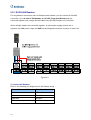
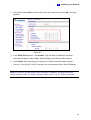
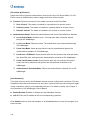
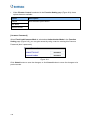
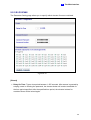
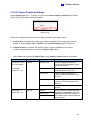
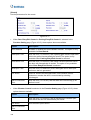
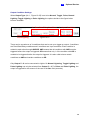
Click Reset button to return the Normal, Toggle or Pulse triggered state to be normal.
Note: The Reset button is more commonly used for the Toggle output because once
triggered, the output will go on forever. A Reset button is needed to turn it off.
Click Submit button to save the changes, or click Cancel button to return the changes to its
previous state.
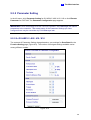
9.2.6 Wiegand Function
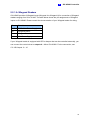
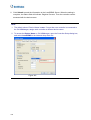
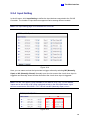
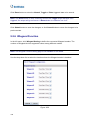
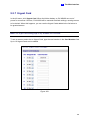
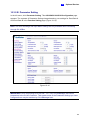
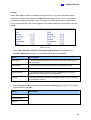
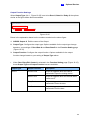
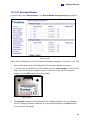
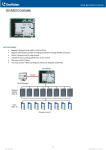
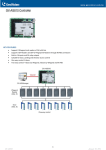
In the left menu, click Wiegand Setting to define the connected Wiegand readers. The
number of Wiegand devices supported varies among different models.
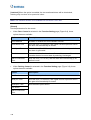
Note: The Wiegand Function setting page is not available for GV-EV48.
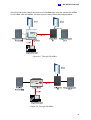
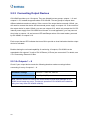
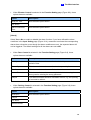
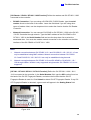
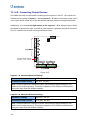
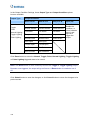
Use the drop-down list to select the location where the Wiegand reader is installed.
Figure 9-20
152