1
EVS Broadcast Equipment SA
2.7.3.
Issue 1.1.A - March 2014
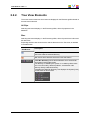
Video Display
Video Display
The background of the Player pane is gray when no media is loaded or when the loaded
media contains an on-line hi-res element.
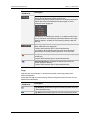
Video Display Contextual Menu
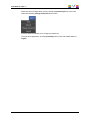
A contextual menu is accessible by right-clicking the Video Display of the Player pane
when a media is loaded. It gives access to audio parameters. See section "Audio
Configuration and Monitoring" on page 20 for more information.
2.7.4.
Audio Configuration and Monitoring
Audio Parameters
Audio parameters are accessible by right-clicking the Video Display of the Player pane
when a media is loaded.
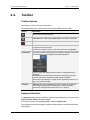
Configure Audio Monitoring
Opens the Audio Output Channels window allowing the selection of audio channels to be
listened to. See section "Audio Configuration" on page 21.
20
2. User Interface