1
8
8-13
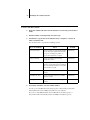
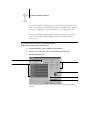
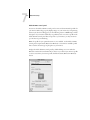
Fiery Spooler for Mac OS computers
Differences between Fiery Spooler for Mac OS and
Fiery WebSpooler
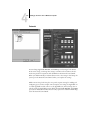
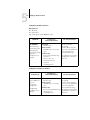
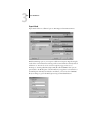
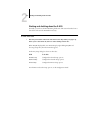
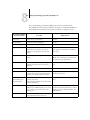
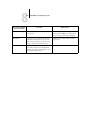
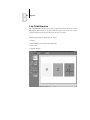
Though the interfaces for both Fiery Spooler for Mac OS and Fiery WebSpooler are
almost identical, there are some feature differences.
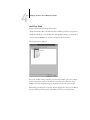
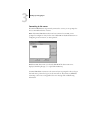
Connecting to a different E-810
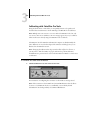
With Fiery Spooler, you can connect to a different E-810 from within the application
using the following procedure.
TO
CONNECT TO A DIFFERENT
E-810
1.
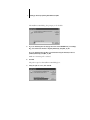
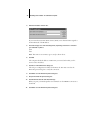
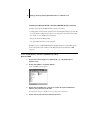
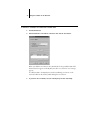
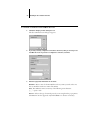
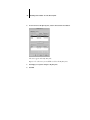
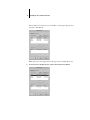
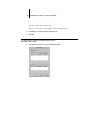
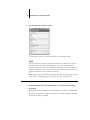
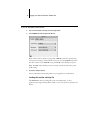
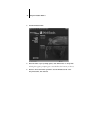
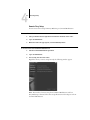
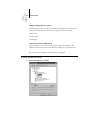
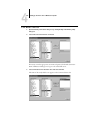
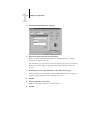
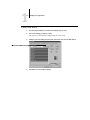
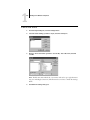
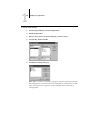
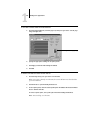
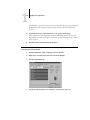
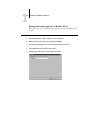
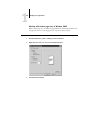
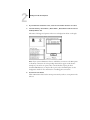
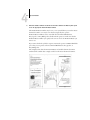
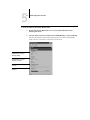
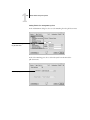
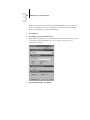
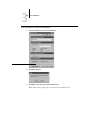
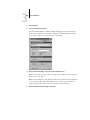
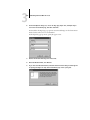
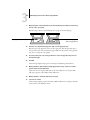
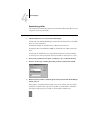
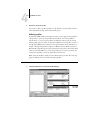
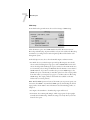
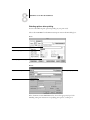
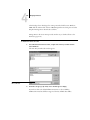
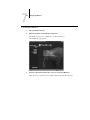
Choose Open Fiery from the File menu.
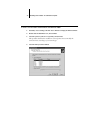
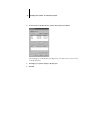
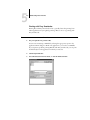
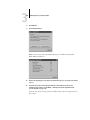
2.
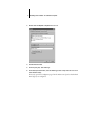
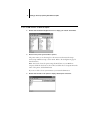
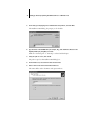
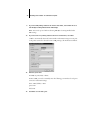
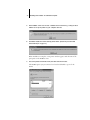
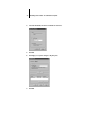
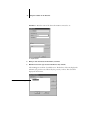
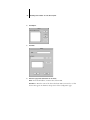
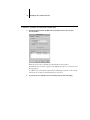
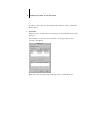
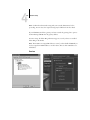
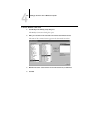
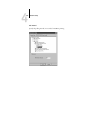
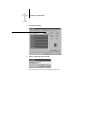
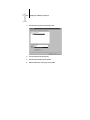
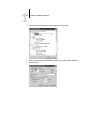
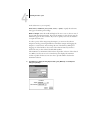
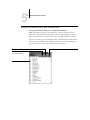
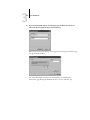
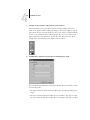
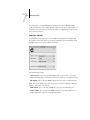
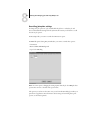
Select the E-810 in the Chooser window that appears.
For information on setting up the connection to the server, see Getting Started.
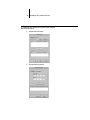
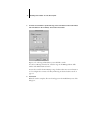
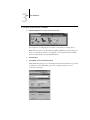
3.
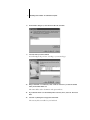
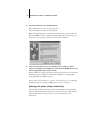
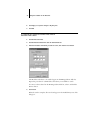
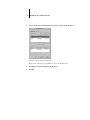
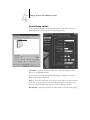
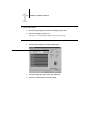
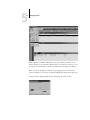
Click OK.
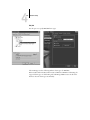
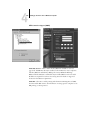
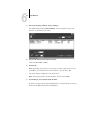
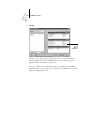
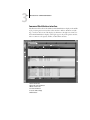
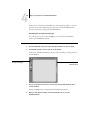
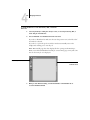
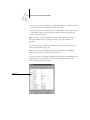
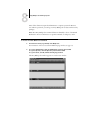
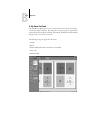
The Fiery Spooler main window appears.