1
 How to calibrate
•
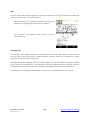
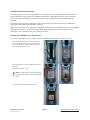
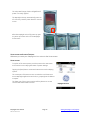
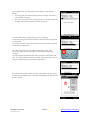
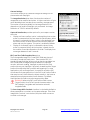
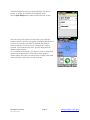
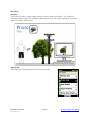
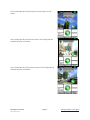
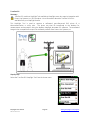
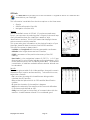
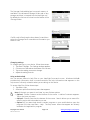
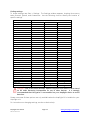
To start the calibration process, tap the ‘Calibrate Compass’
icon on the main screen.
•
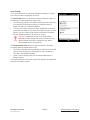
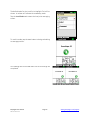
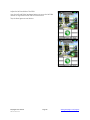
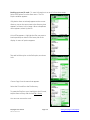
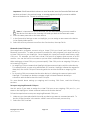
Review the ‘Compass Calibration’ welcome screen, and tap the
screen to continue.
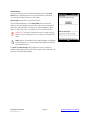
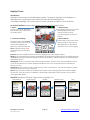
Step 1 – North Orientation
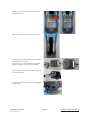
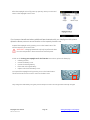
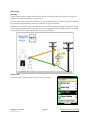
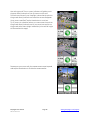
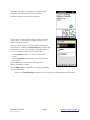
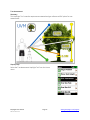
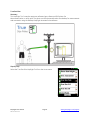
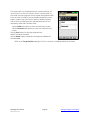
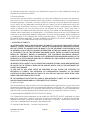
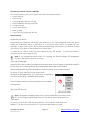
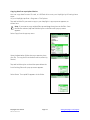
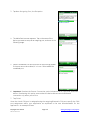
• At the align screen, move your MapSight until the red line is
best aligned with the N.
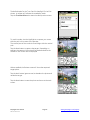
Note: The bar indicator at the bottom of the screen will move
into the green zone when correctly aligned.
MapSight User Manual MS-101-14-07-3.2
Page 20 www.gemapsight.com/support