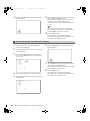
1
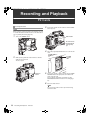
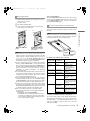
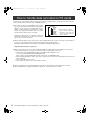
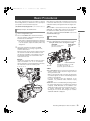
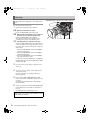
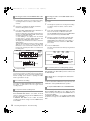
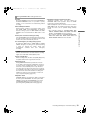
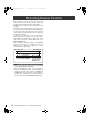
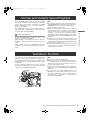
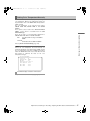
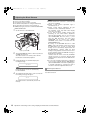
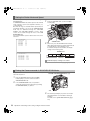
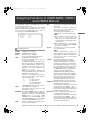
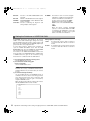
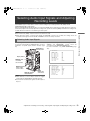
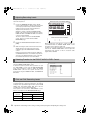
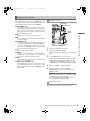
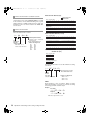
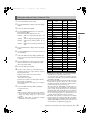
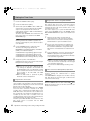
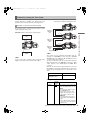
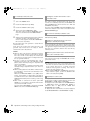
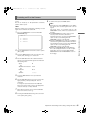
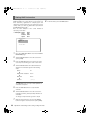
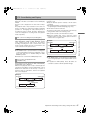
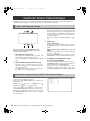
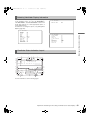
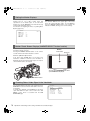
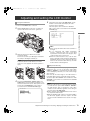
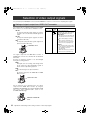
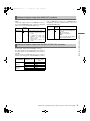
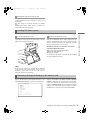
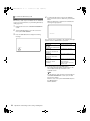
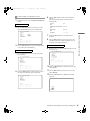
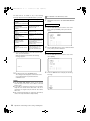
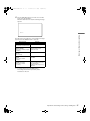
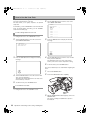
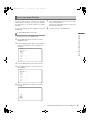
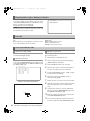
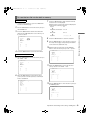
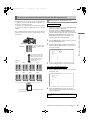
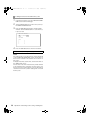
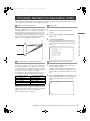
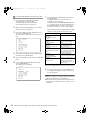
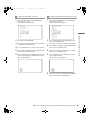
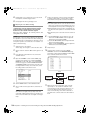
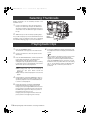
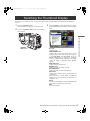
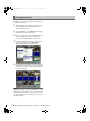
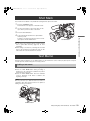
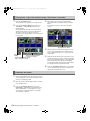
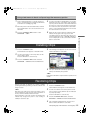
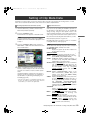
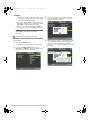
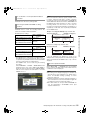
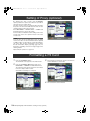
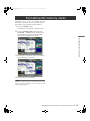
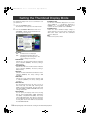
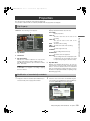
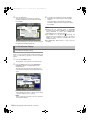
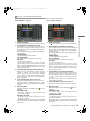
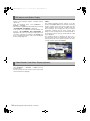
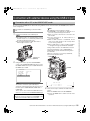
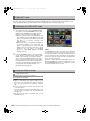
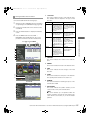
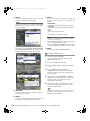
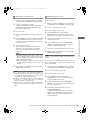
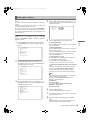
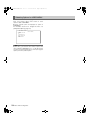
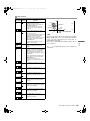
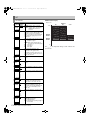
AJ-HPX3000G(VQT1D27)E.book 126 ページ 2007年9月3日 月曜日 午後2時34分 Setting of Proxy (optional) By attaching the video encoder card (AJ-YAX800G, optional) either to the optional slot or Slot 5, it is possible to specify the proxy recording setting. The video encoder card is not recognized when inserted if the power for the unit is turned ON. Insert the video encoder card after turning off the power for the unit. Select OPERATION > DEVICE SETUP > PROXY from the thumbnail menu to specify the setting. For the method of installation and the settings of the video encoder card, refer to the operation manual of the video encoder card. Note To use the proxy function in 24PN (Native) mode, the FPGA version of the video encoder card firmware must be updated to [B102] or higher. For the method to confirm the FPGA version of the video encoder card firmware, refer to [Video Encoder Card Status Display (optional)] (page 132). For instructions on updating, refer to the P2 support page on the following website. https://eww.pavc.panasonic.co.jp/pro-av/ Formatting a P2 Card 1 2 Press the THUMBNAIL button. The thumbnail screen appears on the LCD monitor. 3 Press the THUMBNAIL MENU button and select OPERATION > FORMAT from thethumbnail menu. The following screen appears. Select the slot number for the P2 card you want to format. Select EXIT if formatting is not required. 4 126 The following screen appears. Use the cursor buttons and the SET button to select YES. Manipulating Clips with Thumbnails : Setting of Proxy (optional) The selected P2 card is formatted.