1
Using the Operations Module
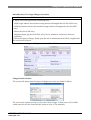
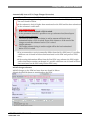
Outbound List
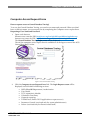
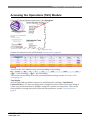
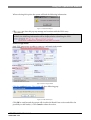
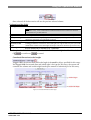
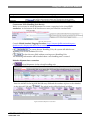
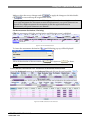
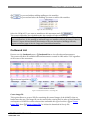
Hoover over the OUTBOUND menu, a sub menu is listed and
on Outbound List.
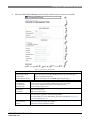
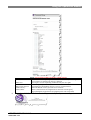
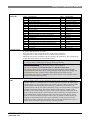
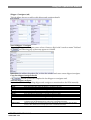
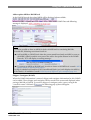
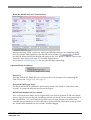
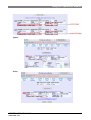
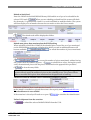
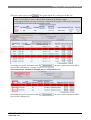
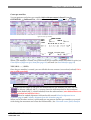
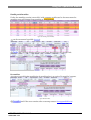
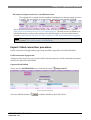
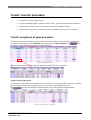
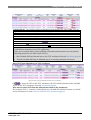
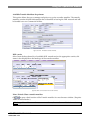
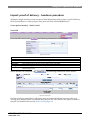
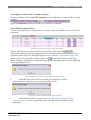
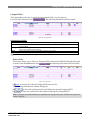
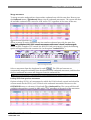
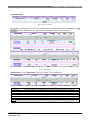
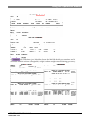
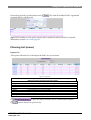
The system will show all available outbound movements created in AHS and/or TGV regardless
of the status of the movement.
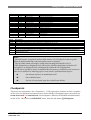
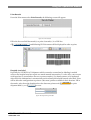
figure 45: Outbound list
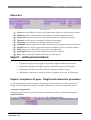
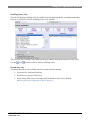
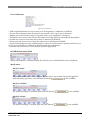
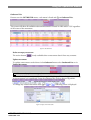
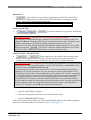
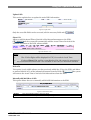
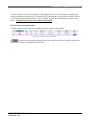
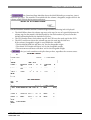
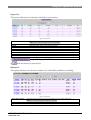
Delete an empty movement
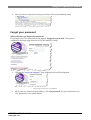
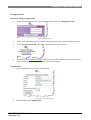
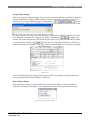
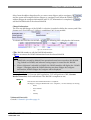
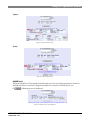
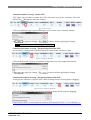
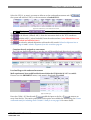
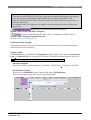
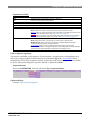
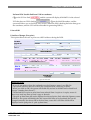
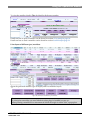
The action button
is only available when a movement doesn’t have any contents.
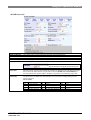
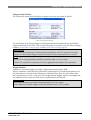
Update movement
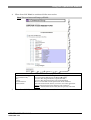
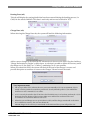
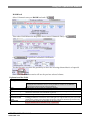
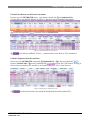
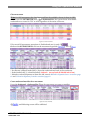
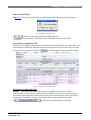
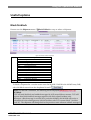
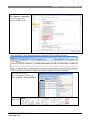
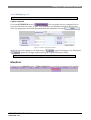
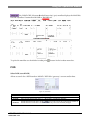
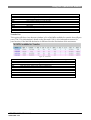
To update a movement can be done via the Outbound menu select Outbound List or via
Update Movement.
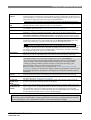
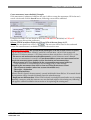
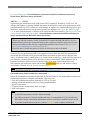
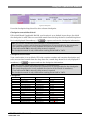
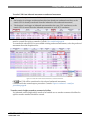
Note: You can only update a mvt type,dest, mvt nr, STD-STA of a non scheduled mvt!.
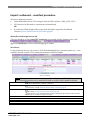
If a non scheduled mvt was created with wrong details, it is possible to change/correct as long
as the movement isn’t manifested. From the outbound list click on the mvt hyperlink.
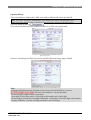
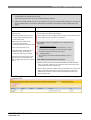
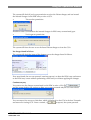
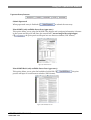
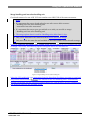
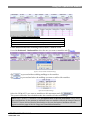
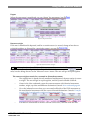
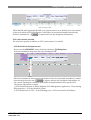
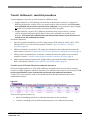
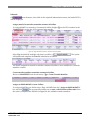
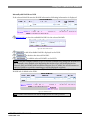
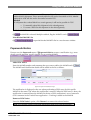
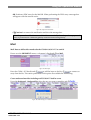
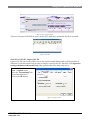
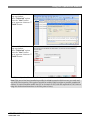
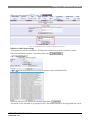
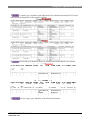
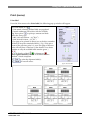
To change any related movement detail
on
or
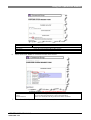
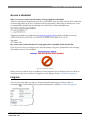
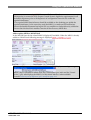
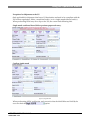
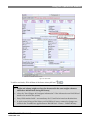
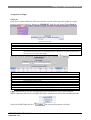
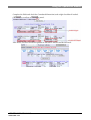
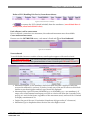
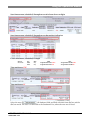
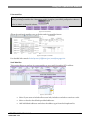
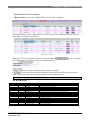
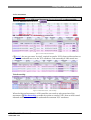
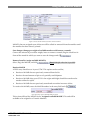
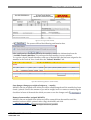
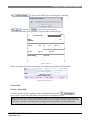
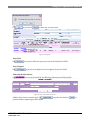
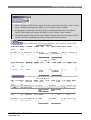
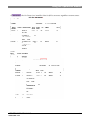
, following screen is displayed.
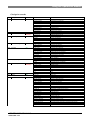
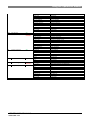
figure 46: Update movement details
ACS TGV MODULE V1.115
USER GUIDE V 2.2
68