1
3.3.2 Parent Units or Formations
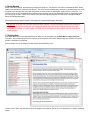
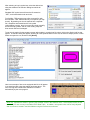
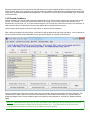
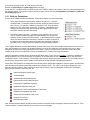
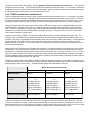
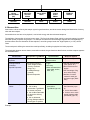
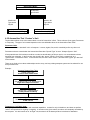
Parent units/formations appear on the left hand panel, in a standard tree view with the appropriate size icon (as described
previously, above). They are what users will be shown, and can select from, when creating a scenario.
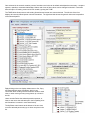
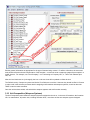
Clicking the [+] next to the parent icon will expand the display to show all of the subordinate weapons systems and subformations assigned to the parent. Click [-] to perform the opposite operation and condense the tree.
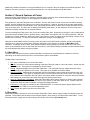
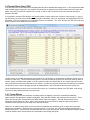
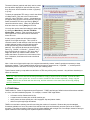
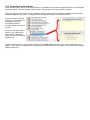
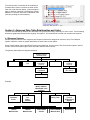
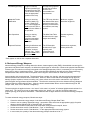
If a sub-formation is selected
on the tree, its information will
be displayed in the Unit
Composition and Subformation panels, as shown to
the right.
In this case the values will be
shown in gray, indicting that
they can not be selected or
edited; they are for information
purposes only.
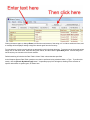
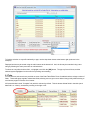
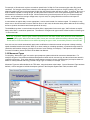
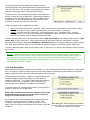
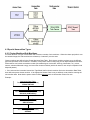
To add a new parent unit or formation from scratch, click the [Add Unit] button at the bottom of the left hand tree view
display. A new “default” unit will be added to the bottom of the force tree (on the last page). This unit will include a single
weapon system type.