1
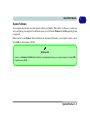
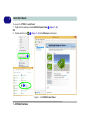
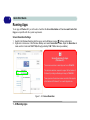
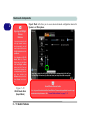
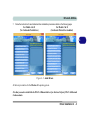
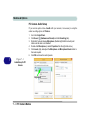
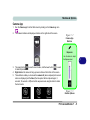
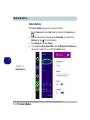
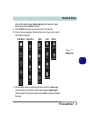
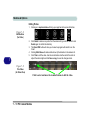
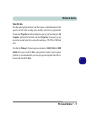
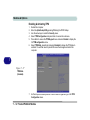
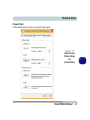
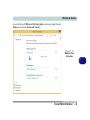
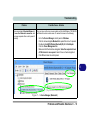
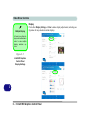
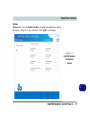
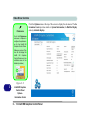
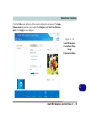
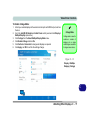
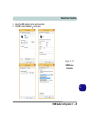
Video Driver Controls Attaching Other Displays To Clone Displays: 1. 2. 3. 4. 5. Attach your external display to the external monitor port/HDMI-Out port, and turn it on. Go to the Intel(R) HD Graphics Control Panel control panel and click Display > Multiple Displays (sub-menu). Click Clone from the Select Multiple Display Mode menu. Click Apply, and OK to confirm the settings change. You can select the displays to be used from the Select Active Displays menu. Multiple Display At least one other display must be attached in order to view Multiple Display selection options. Figure C - 11 Display > Multiple Displays (Clone) C Attaching Other Displays C - 15