1
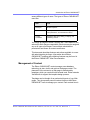
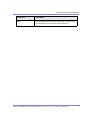
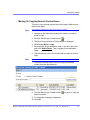
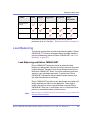
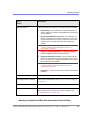
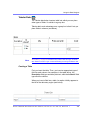
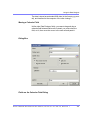
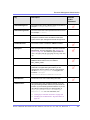
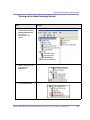
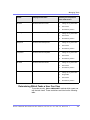
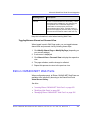
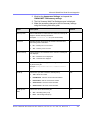
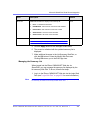
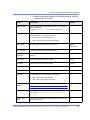
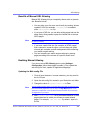
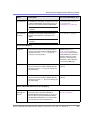
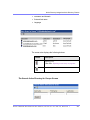
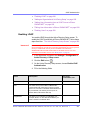
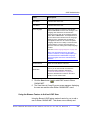
Managing Library Items
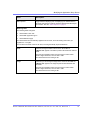
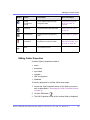
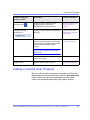
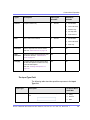
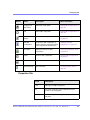
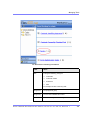
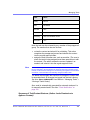
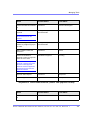
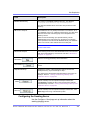
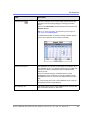
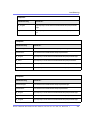
Action
Files
Images
Hyperlinks
Quicklinks
Form
Quicklinks
Remove from
server
Check links
Update URL
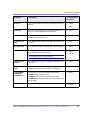
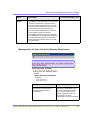
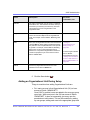
Most actions can be performed by a user who is granted
permission to do so. See Also: ”Setting Permissions” on page 86
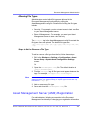
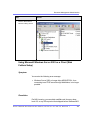
Load Balancing
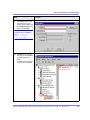
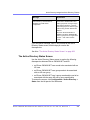
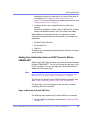
This section explains how to create load balancing paths in Ektron
CMS400.NET. For further information about the steps needed to
set up load balancing outside of Ektron CMS400.NET, see ”Load
Balancing” on page 579.
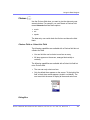
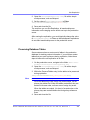
Load Balancing and Ektron CMS400.NET
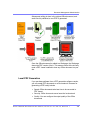
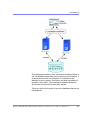
Ektron CMS400.NET does not need to be aware that load
balancing is taking place. However, the library items on all servers
must be identical. Therefore, when a user uploads a new item to
the Ektron CMS400.NET library, it must be replicated on all other
servers in your load balancing model. To achieve this, Ektron
CMS400.NET uploads the items to default upload directory and
any other folder defined in the library.
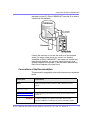
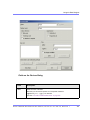
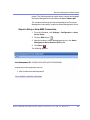
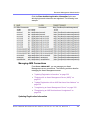
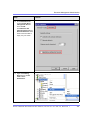
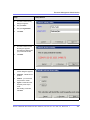
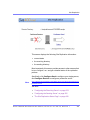
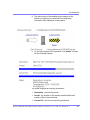
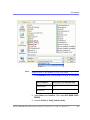
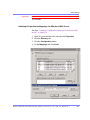
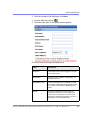
Ektron CMS400.NET provides to any administrator an interface for
adding load balance folders to the application. These folders
needs to be either a virtual or physical folder under the Ektron
CMS400.NET Web site. In most cases, this is a virtual folder that
points to a mounted hard drive (another server).
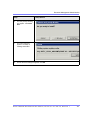
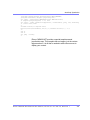
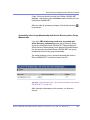
NOTE
See ”Configuring Load Balancing without Site Replication” on page 581 for more
information about this feature.
Ektron CMS40 0.NET Admini strator Manua l, Version 5 .5 for .Ne t 2.0, R evision 1
108